97
Camera Settings
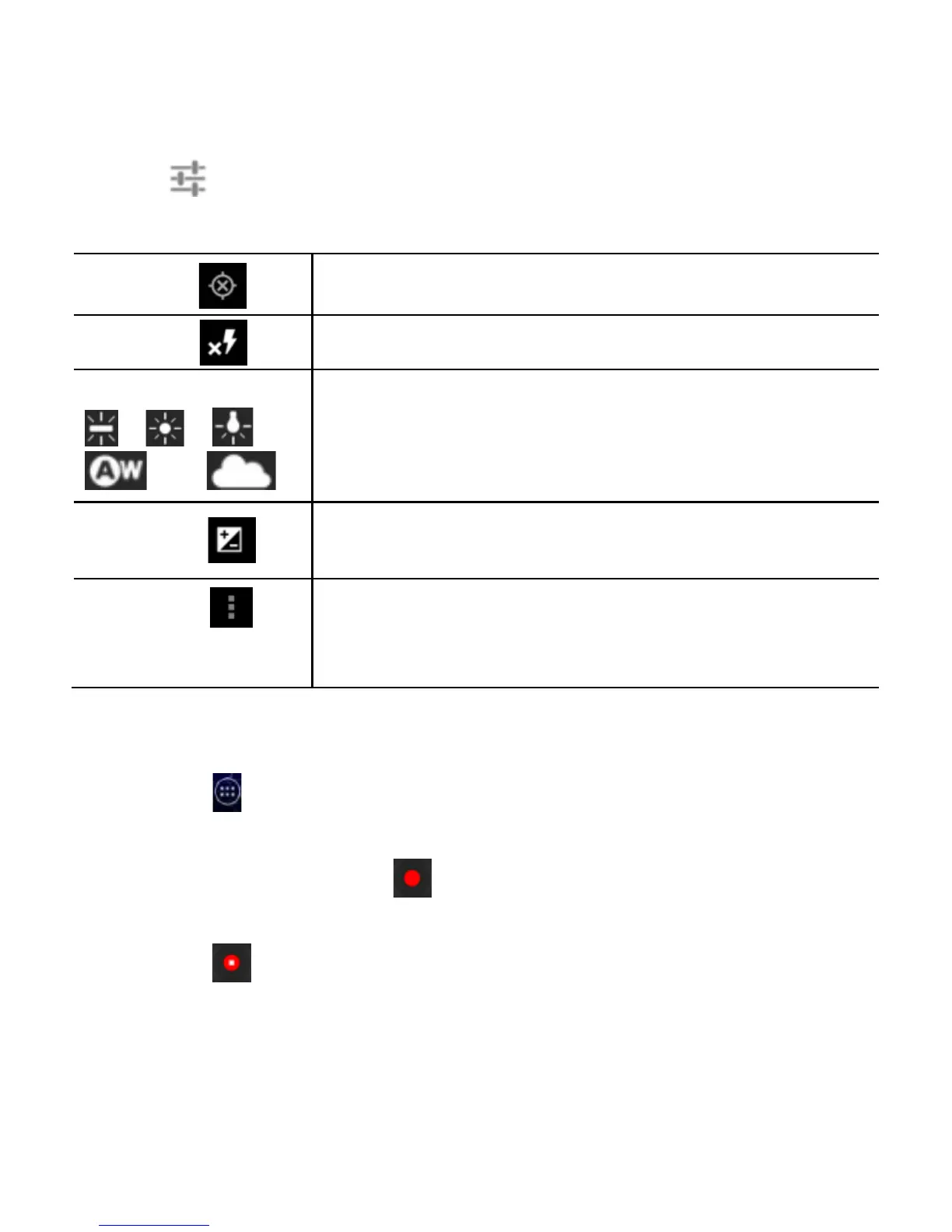
Touch to open the following camera settings:
Save Location information using GPS.
Enable different flash modes
Select white balance options or use AW for
automatic white balance.
Adjust the exposure. Select 0 for automatic
exposure.
Settings
Set the picture size, focus mode, touch AF
(automatic focus) / AEC (automatic exposure
control), or restore default camera settings.
Recording a Video
1. Touch in the Home Screen and select Camera
2. Switch to Video mode by touching the camera / video icon
Touch the red button or press either Volume Keys to
start recording
3. Touch or press either Volume Key to stop recording.
TIP: While the recording is in progress, you can touch the screen
to save the frame as a separate photo.



 To Next Page