27
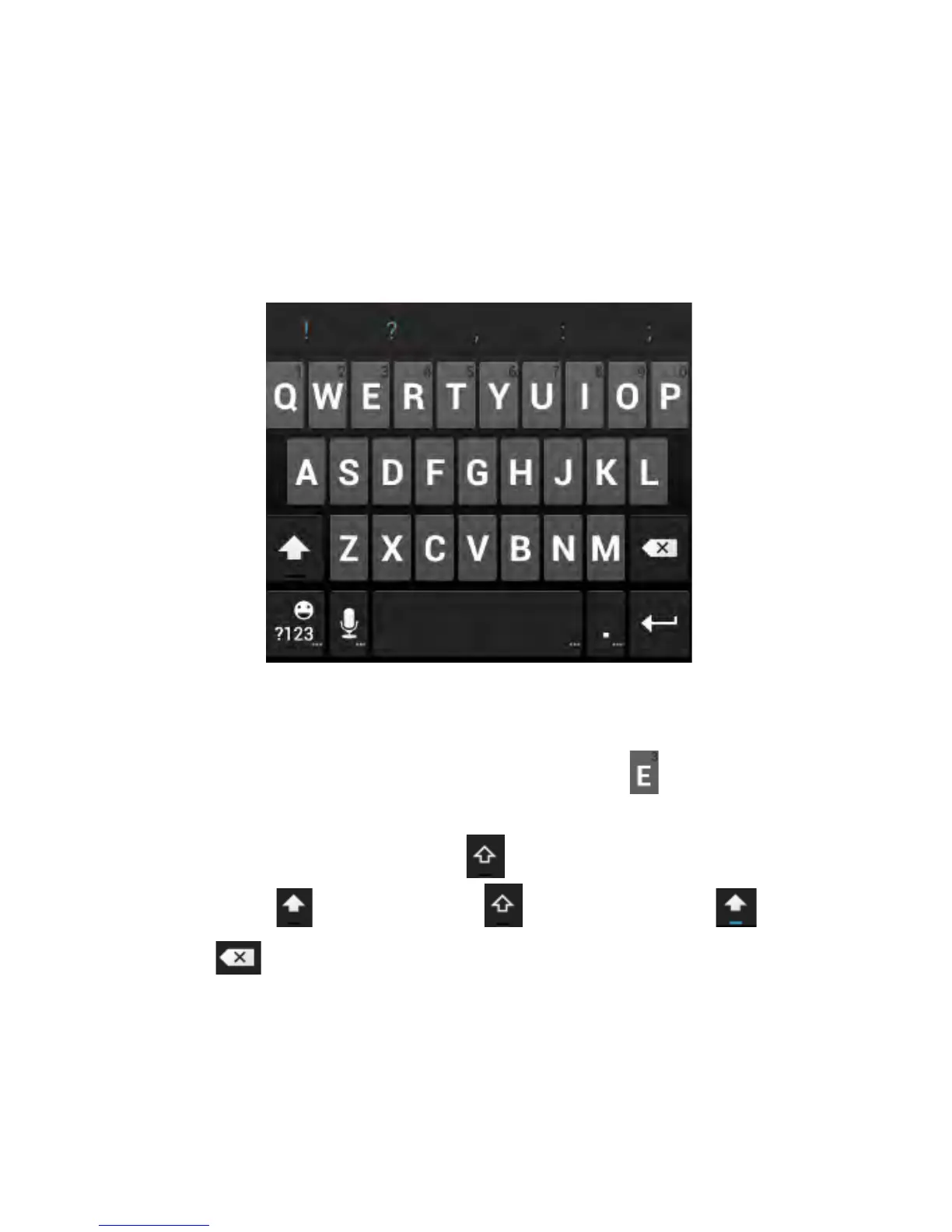
Android Keyboard
The Android Keyboard provides a layout similar to a desktop
computer keyboard. Turn the phone sideways and the keyboard
will change from portrait to landscape. The landscape keyboard
is not supported in all applications.
• Touch the alphabet keys to enter letters. Touch and hold
specific keys to enter associated accented letters or numbers.
For example, to enter È, touch and hold then slide to
choose È.
• Lower case is indicated by . Touch once to change to
upper case . Double-tap for caps-lock .
• Touch to delete the text before the cursor.



 To Next Page