107
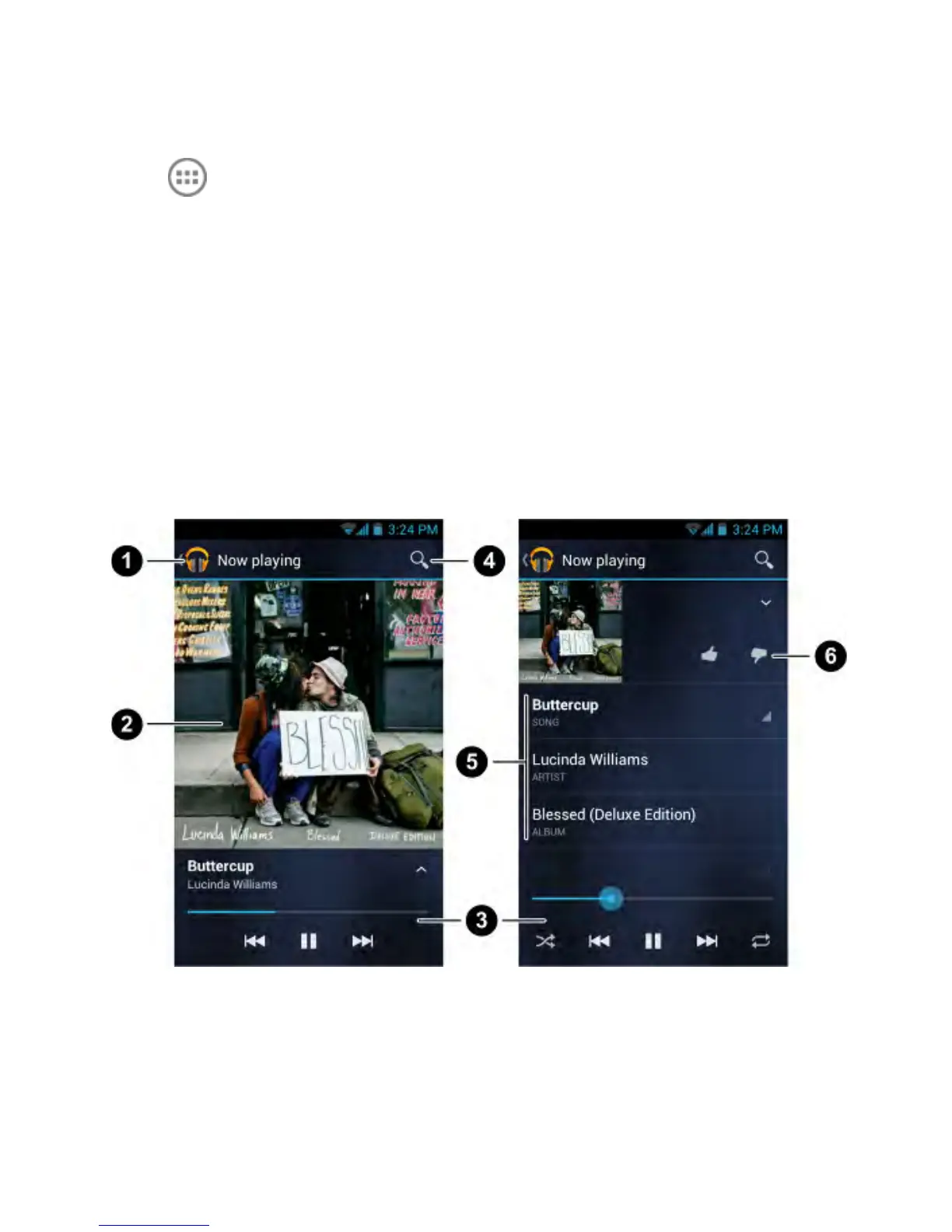
Play Music
Touch in the Home Screen and select Play Music. If you
are prompted, select an account to access its online music
library.
The app searches your online library and your device for music
and playlists before displaying your combined music library,
organised by Recent, Artists, Albums, Songs, Playlists, and
Genres. To changes views of your library, swipe left or right when
holding the device upright, or touch the view name at the top left
of the screen when holding the device on its side.
Touch a song to play it.



 To Next Page