9
Charging the Battery
When you first get your new phone you’ll need to charge the
battery.
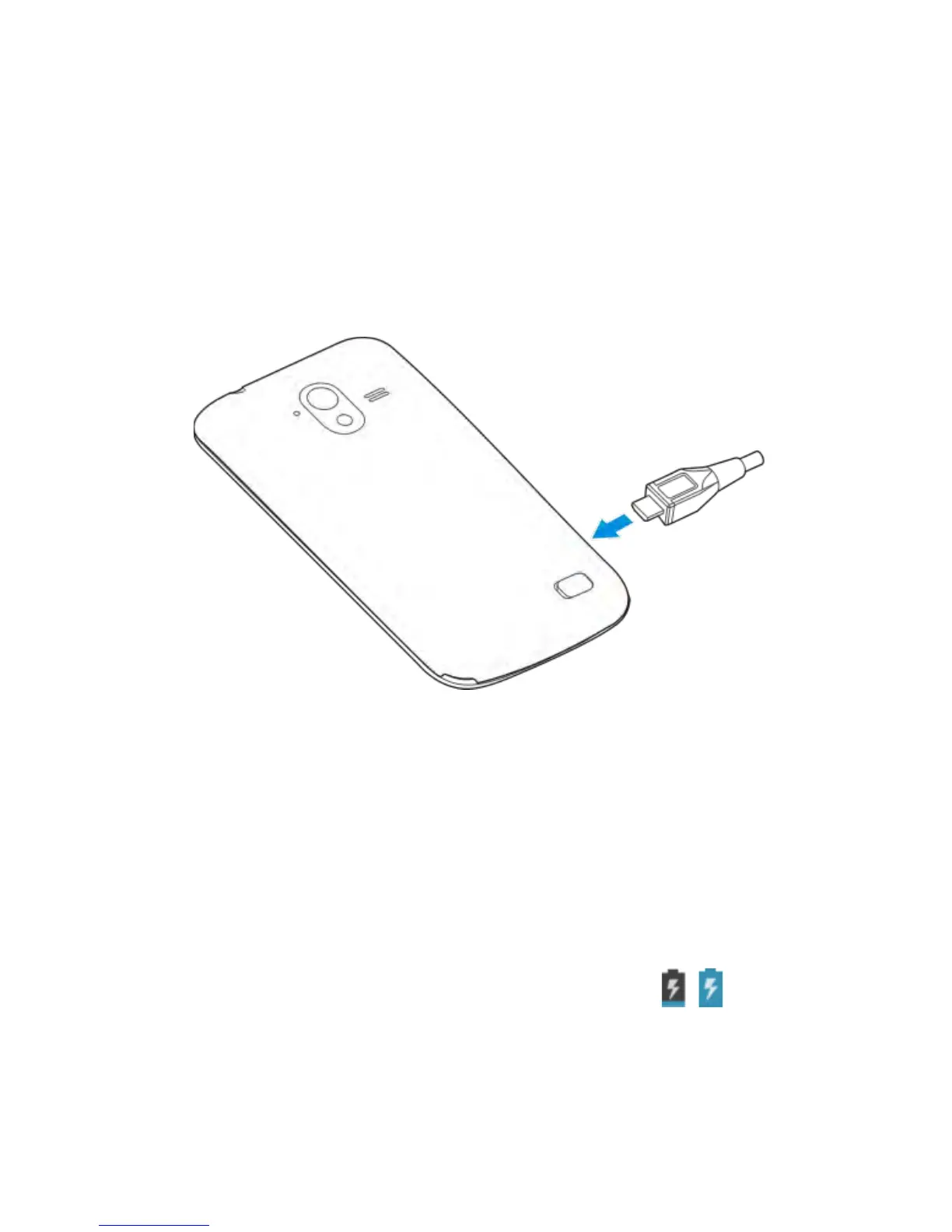
1. Insert the charger lead carefully. Ensure that the plug is
inserted with the correct orientation. Do not force the
connector into the charger jack.
2. Connect the charger to a standard AC wall outlet.
3. Disconnect the charger when the battery is fully charged.
How much charge have you got?
If the battery is low, there will be a pop-up message on the
screen. As you charge your phone, the screen will tell you the
exact battery level each time you wake up your phone.
If the phone is on, you’ll see the charging icon / on the
status bar.



 To Next Page