15
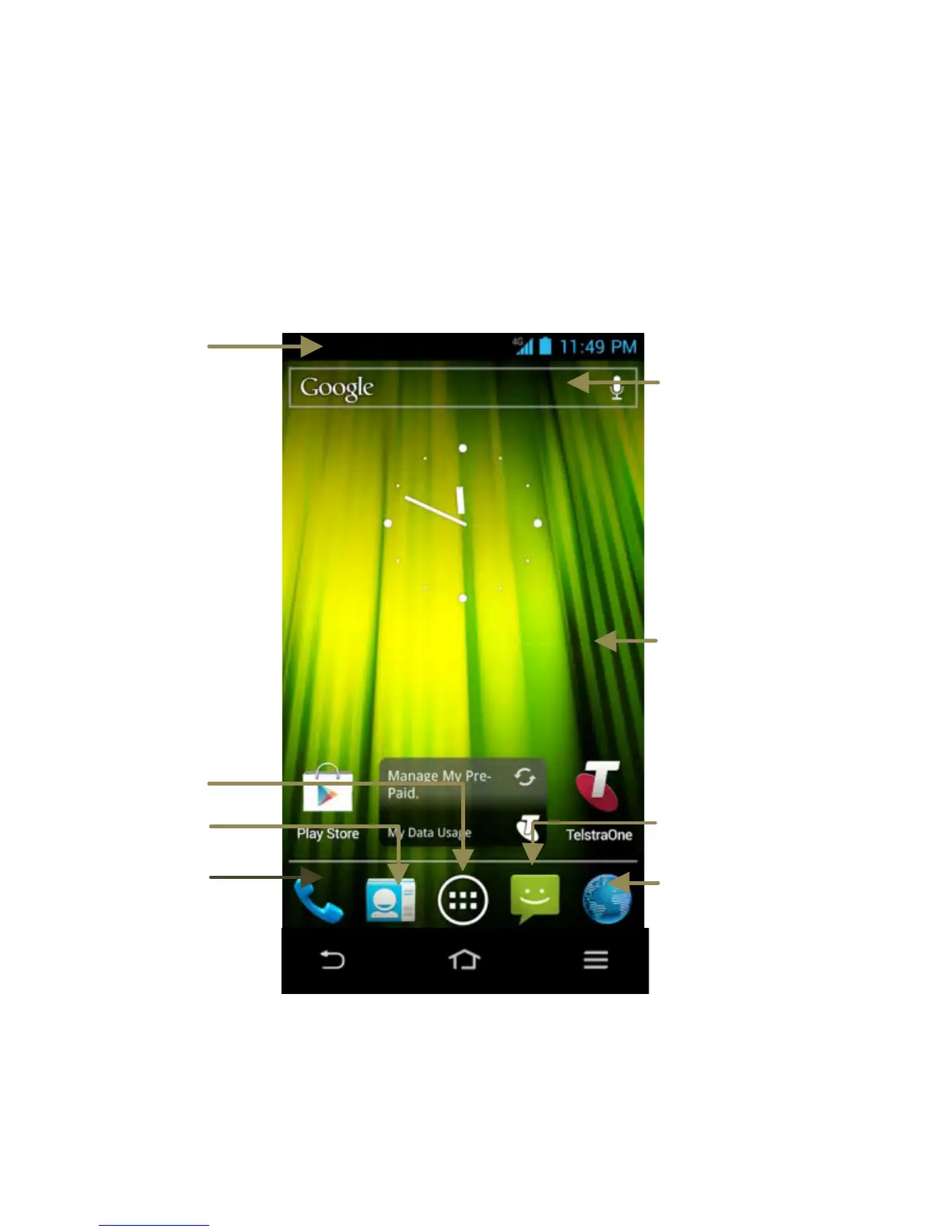
Getting to Know the Home Screen
The home screen is the starting point for applications, functions,
and menus. You can customize your home screen by adding
application icons, shortcuts, folders, widgets, and more. Swipe
the screen left or right to display additional screens.
Status &
Notifications
Drag the
notifications
bar down to
review
Back Home Options



 To Next Page