33
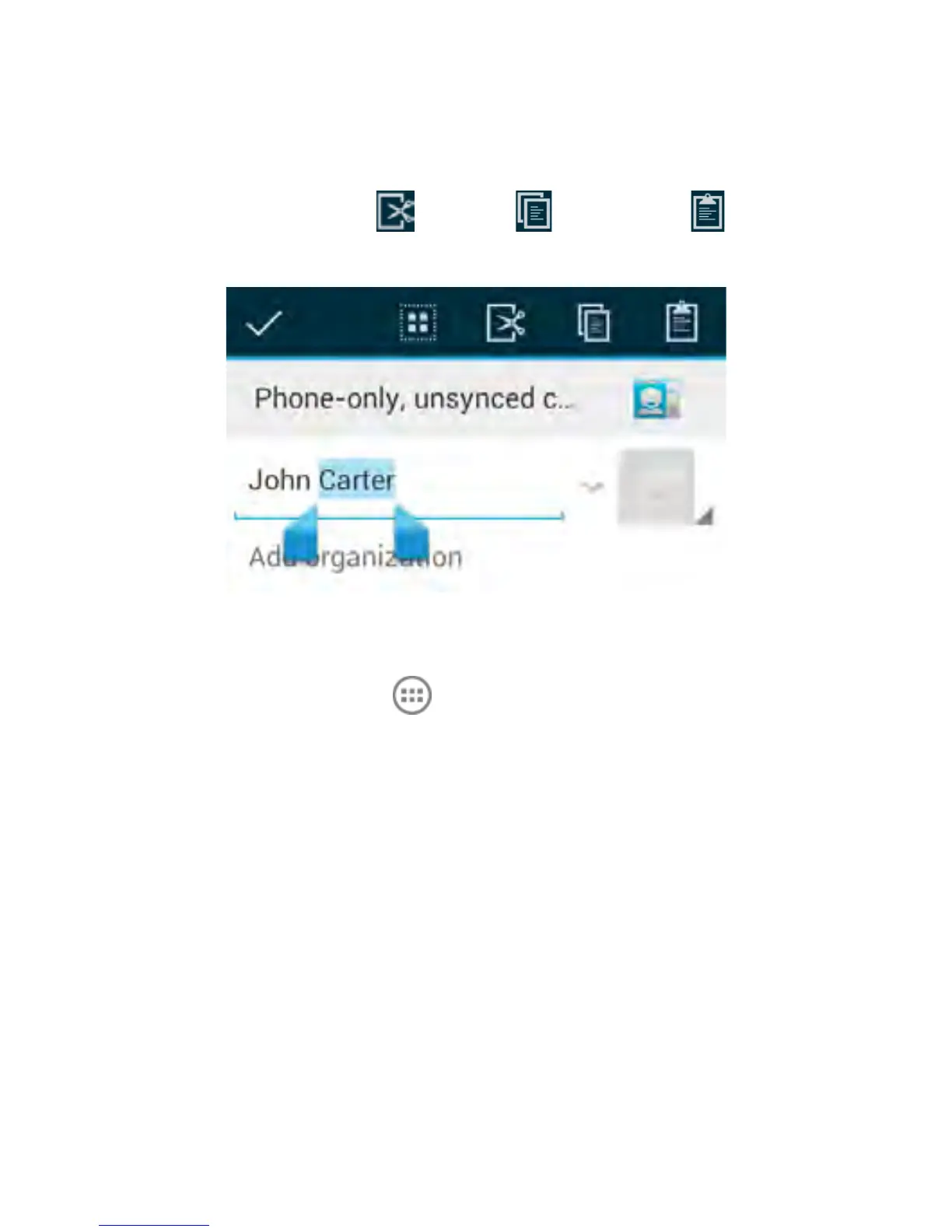
selection. Drag the tabs to change the selection.
• Cut, copy, paste: Select the text you want to manipulate.
Then touch the Cut , Copy , or Paste button:
Opening and Switching apps
1. Touch Home Key > to open the Apps
2. Slide left or right on the screen and touch an app to open it.
Switch Between Recently Opened Apps
When you run an application, if you press the Home key and start
another app, the original app is still open in the background.
1. Press and hold the Home Key to view the recently used apps.
2. Scroll up and down and touch the required app to return to it.
3. Tip: Go to Apps > Task Manager to close any unwanted
apps, or remember to use the Back key to step back through
the app to close it.



 To Next Page