32
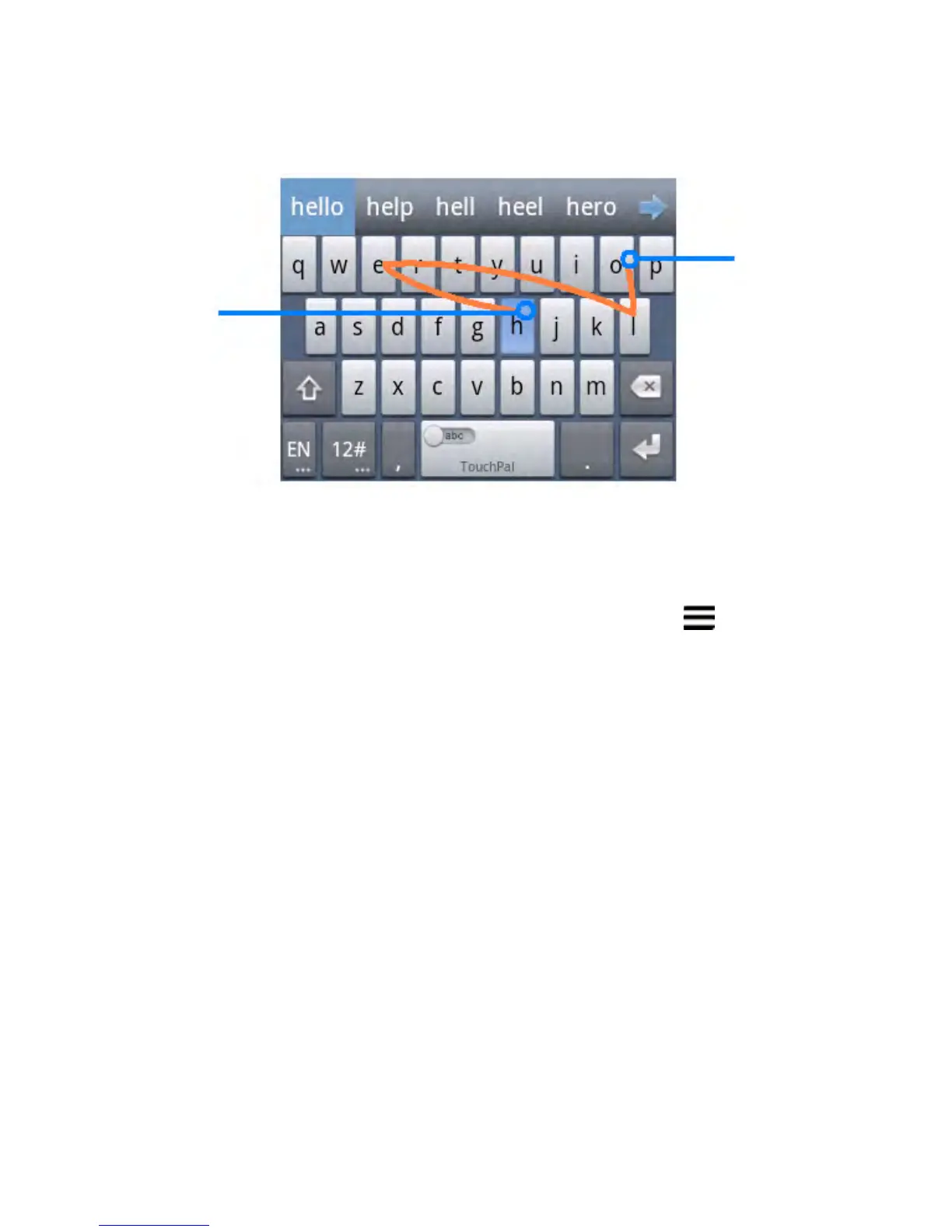
NOTE: TouchPal Curve is only available in the Full QWERTY
layout.
Touch Input Settings
Choose the touch input settings by touching the > System
settings > Language & input from the Home Screen.
In the KEYBOARD & INPUT METHODS section, you can set
the default input method and settings.
Editing Text
• Move the insertion point: Touch where you want to type.
The cursor blinks in the new position, and a tab appears
below it. Drag the tab to move the cursor.
• Select text: Touch and hold or double-tap within the text.
The nearest word highlights, with a tab at each end of the
Start of the word
End of the word



 To Next Page