31
CooTek T+
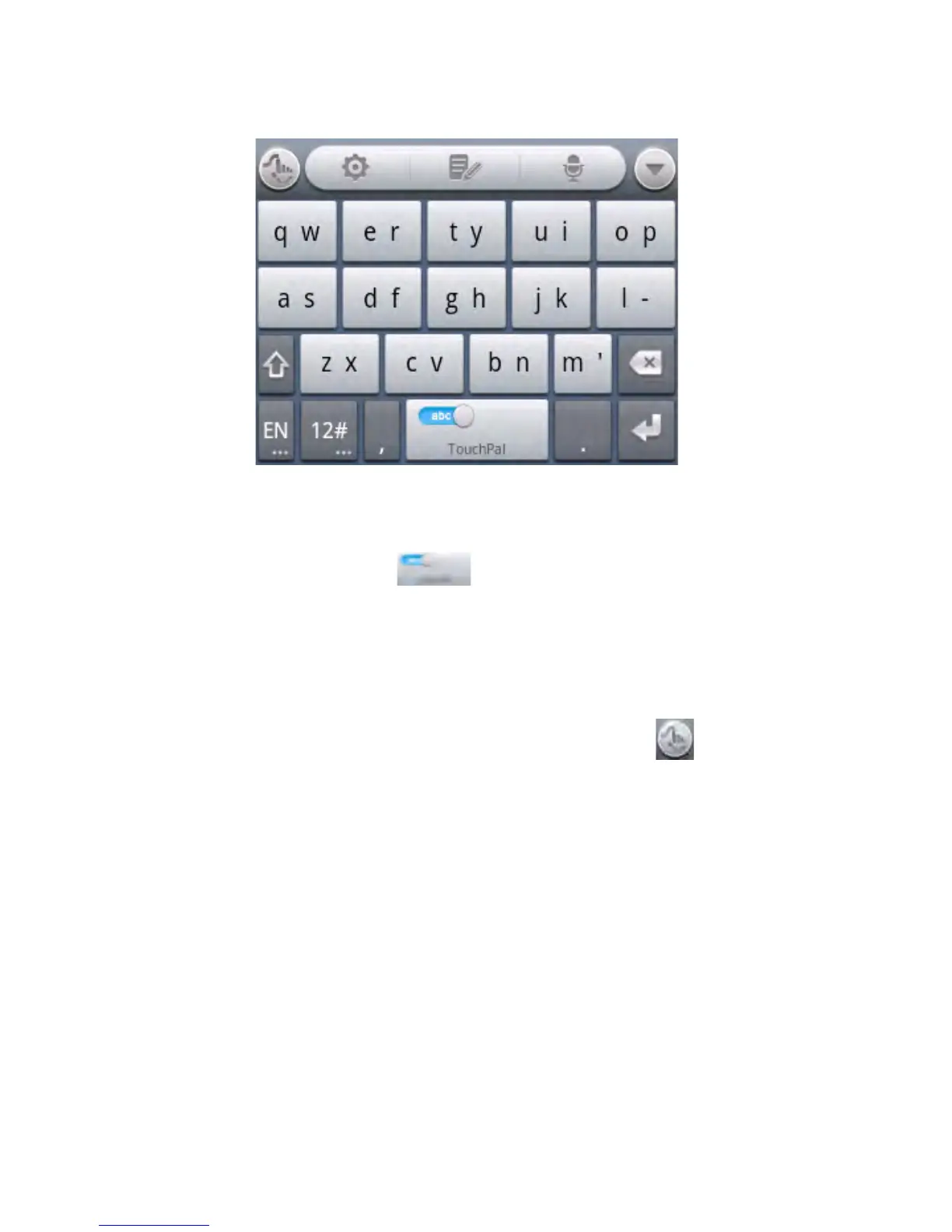
• Touch to enter the left letter on the key; Double-tap or flick
right to enter the right letter/symbol on the key. If word
prediction is enabled ( ), just touch the keys and choose
the right word.
To enable and use TouchPal Curve:
1. In the TouchPal keyboard screen, touch and tick the
Curve check box, and then touch Close.
2. Move your finger from letter to letter on the keyboard to
trace a word.
3. Lift your finger at the end of the word. A space is added
automatically when you begin to trace the next word.



 To Next Page