30
keyboard.
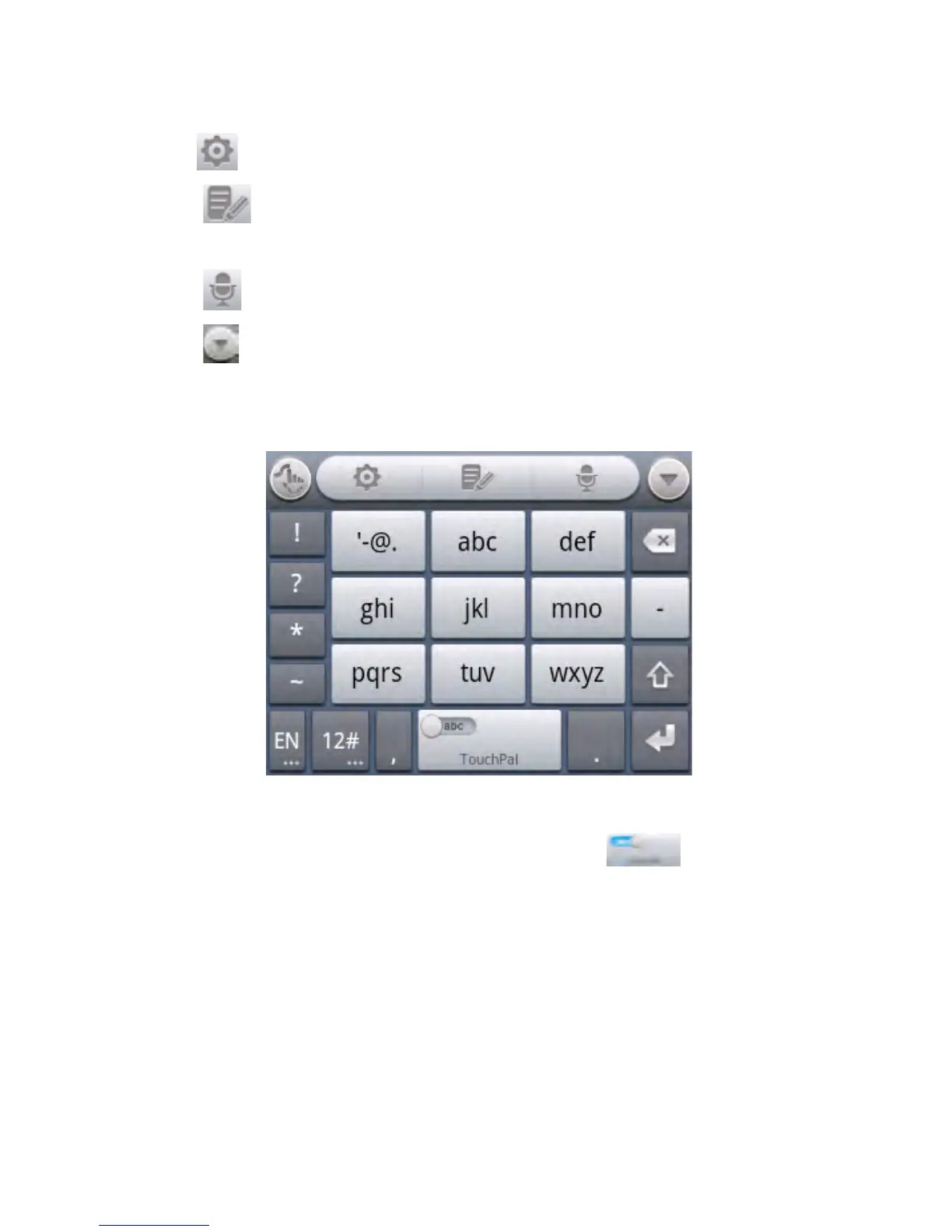
• Touch to set the TouchPal keyboard.
• Touch to open text editing options. You can select, cut,
copy, paste, and delete text, or move the cursor.
• Touch to use voice input.
• Touch to hide the onscreen keyboard. You can touch the
text field again to show the keyboard.
12-Key PhonePad
• Touch a key repeatedly until the desired letter or symbol
appears. If word prediction is enabled ( ), just touch the
keys once and choose the right word.



 To Next Page