29
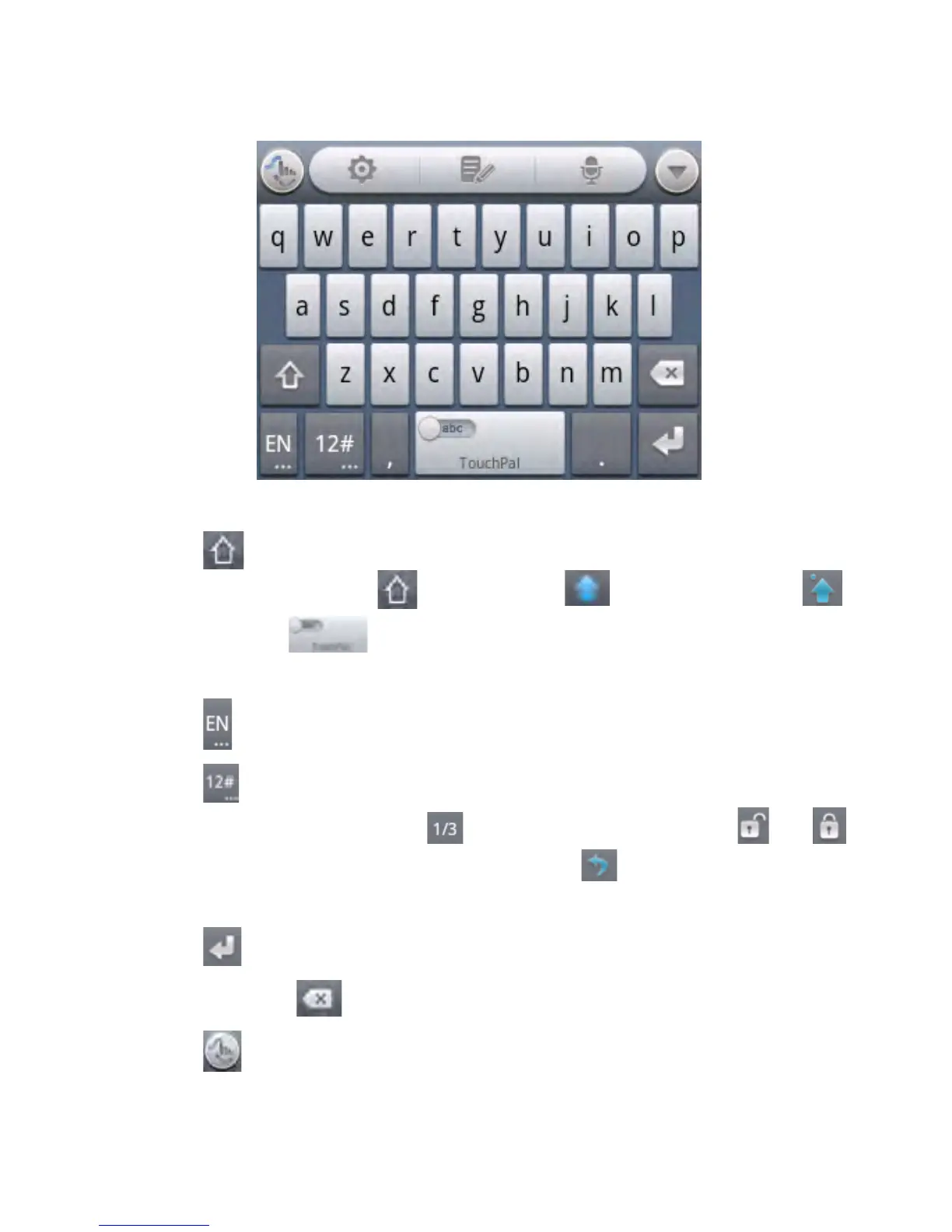
Full QWERTY Keyboard
• Touch the alphabet keys to enter letters.
• Touch to use uppercase or lowercase. The key changes
to indicate lowercase , uppercase , and caps lock .
• Slide right on to enable word prediction. Slide left to
disable word prediction.
• Touch to change input language.
• Touch to enter digits, symbols, emoticons and other
pre-defined texts. Touch to find more. Touch /
to lock or unlock the inputting. Touch to go back to enter
letters.
• Touch to start a new line.
• Touch or hold to delete text before the cursor.
• Touch to access the quick settings of TouchPal



 To Next Page