13
Locking/Unlocking your phone
Your phone allows you to quickly lock the screen and keys when
not in use and to turn the screen back on when you need it.
To lock the screen and keys:
Press the Power Key to turn the screen off and lock the keys,
NOTE: To save battery power, the phone automatically turns off
the screen after a certain period of time when you leave it idle.
Review this setting at
You can still receive messages and calls while the phone screen
is off.
Settings > Display > Sleep.
To unlock the phone:
1. Press the Power Key to turn the screen on.
2. Press and hold the unlock button to unlock the screen.
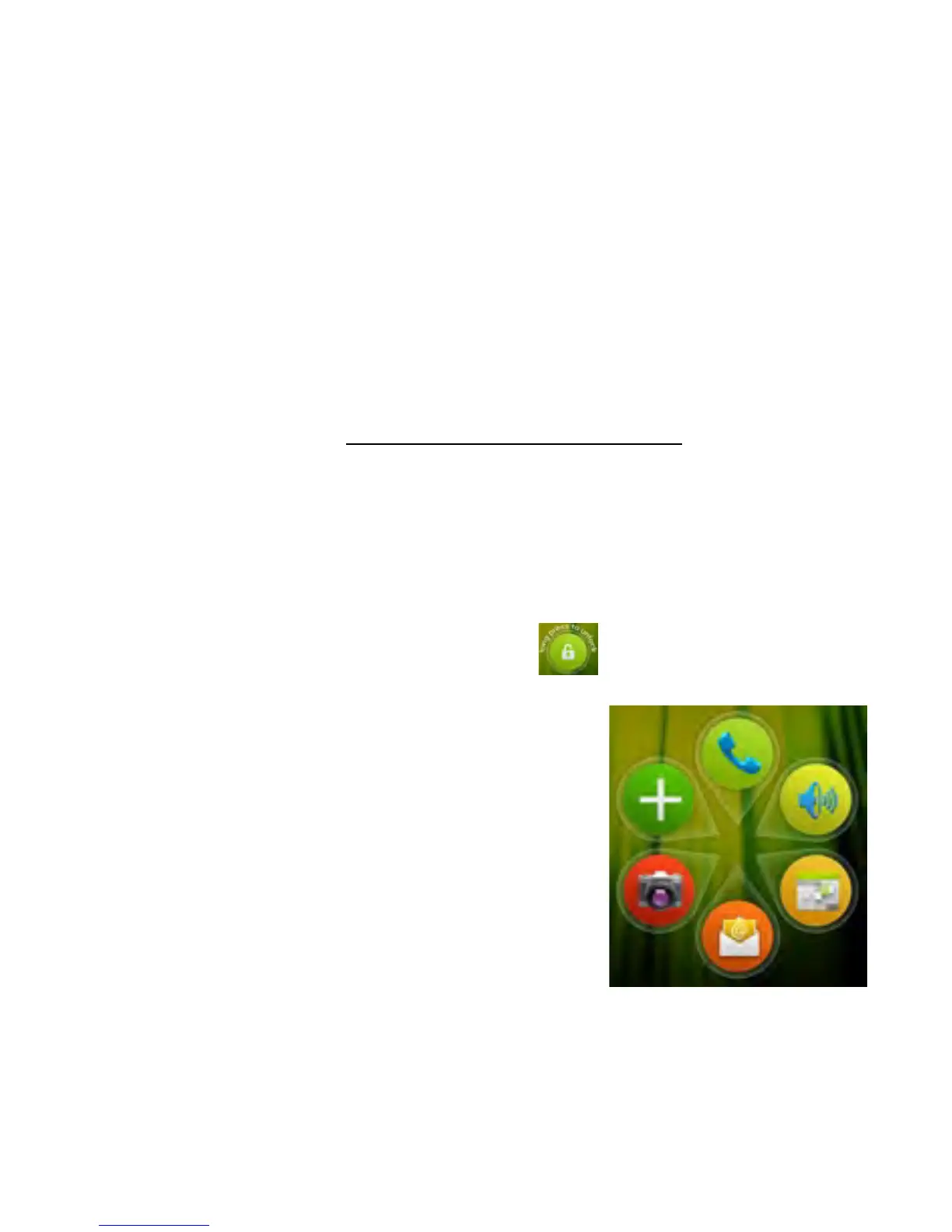
3. You can also slide the unlock button to unlock the handset
and go directly to the functions shown:
4. Configure your shortcuts by going to
Apps > Mi-EasyAccess
NOTE: If you have set an unlock pattern,
PIN, face unlock, or password for your
phone (see Settings>Personal > Security),
you’ll need to draw the pattern or enter the
PIN/password to unlock your screen.



 To Next Page