22
LET YOUR TBOX
®
WORK FOR YOU
We’ve designed your T-Box to be easy to use. The navigation, menus and screens
are there to give you simple control over your settings, free-to-air TV, BigPond
®
TV and BigPond Movies.
You’llalsocomeacrossanumberofon-screeniconsandinstructionsthatwill
help you nd your way around the different features on offer.
THE HOME MENU
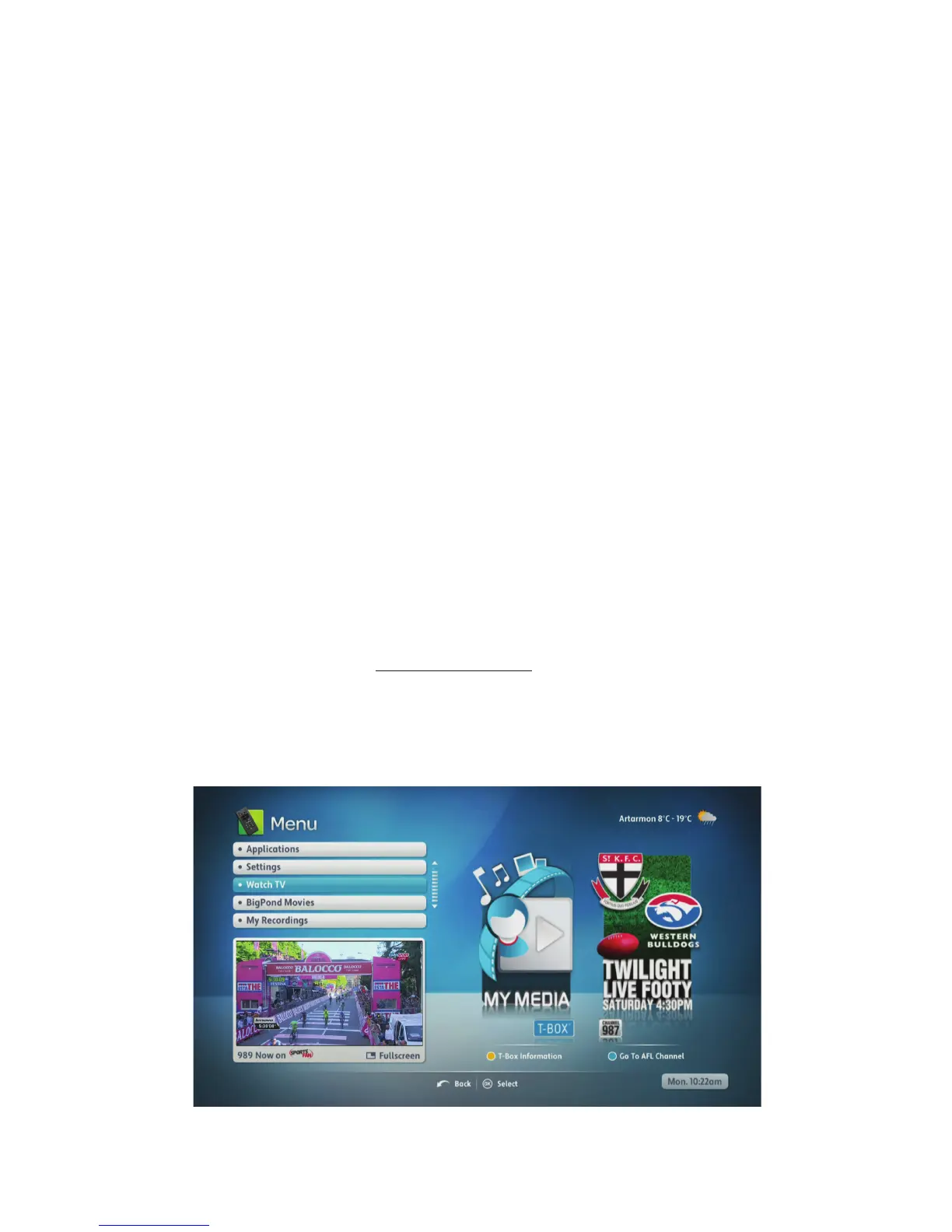
The Home menu is the main menu for your T-Box – you’ll manage all the other
features from here. To go to the Home menu from any other screen, just press
the Menu button on your remote control.
Weather icon
You’llnoticeonthetoprighthandcorneroftheHomeMenuthatitshowstheminimum
and maximum temperatures and a weather forecast icon for your location.
Yourweatherlocationisbasedonyourpostcode.
Youcanchangetheweatherlocationshownonscreenbyenteringanewpostcode
and location name online in the Administration section of My T-Box Account.
Use your computer to visit telstra.com/tboxsetup to update your weather location.
WATCHING WHAT YOU LIKE
Free-to-air TV
When you want to watch free-to-air TV, just select the ’Watch TV’ option in the
Homemenuandpress‘OK’onyourremotecontrol.



 To Next Page