19
TUNE IN DIGITAL FREETOAIR TV
The easiest way to tune in all your available free-to-air digital TV channels is to use
the automatic tuning function on your T-Box
®
.
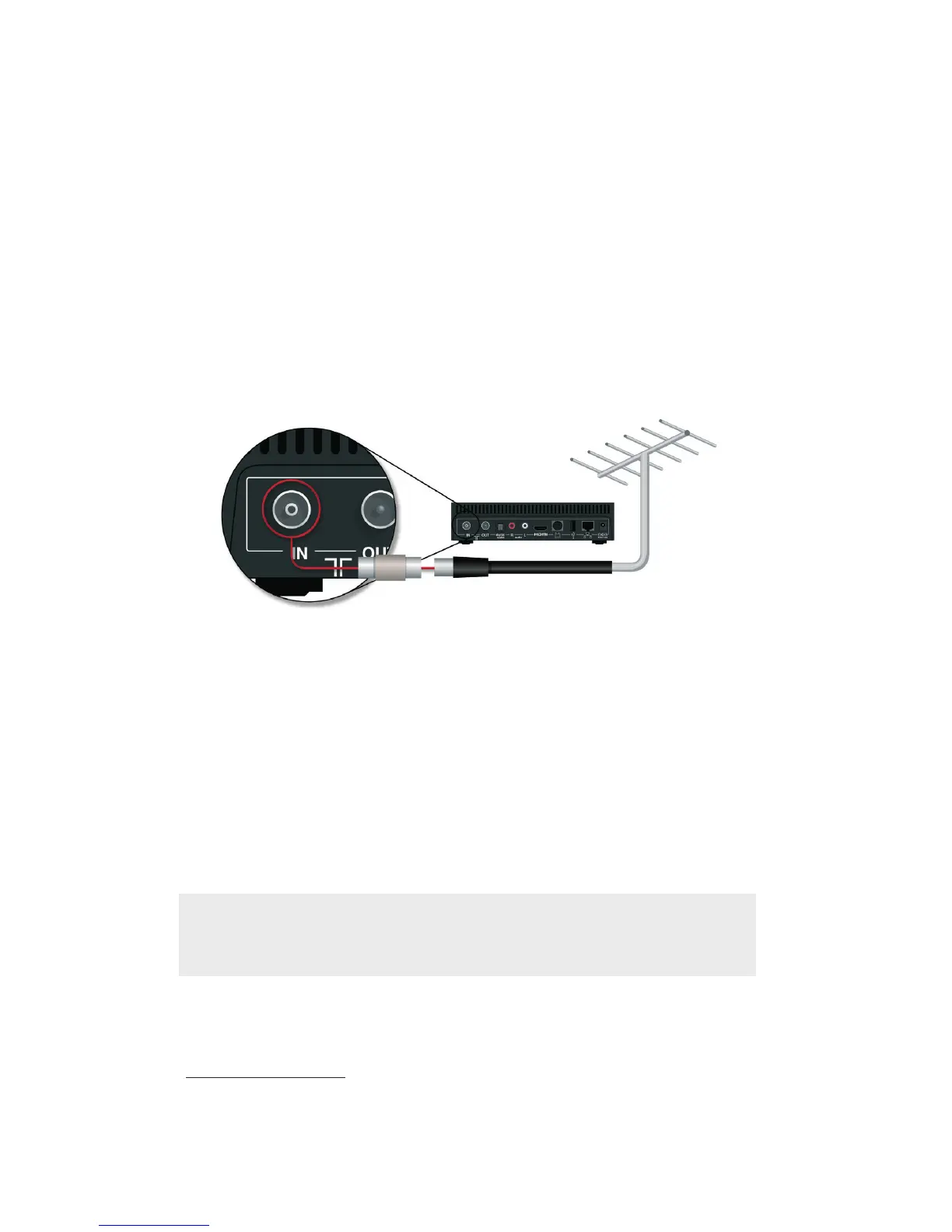
Before you start the automatic tuning, make sure your T-Box is correctly connected
to your TV aerial.
Usually,there’llbeasocketinthewallthatconnectstoanexternalTVaerial.Justuse
the TV aerial cable that came with your T-Box to connect the T-Box to this socket. When
connecting the TV aerial cable to a female wall socket you will need to use the included
adaptor – then:
•StarttheautomaticsearchbypressingOKontheChannelTuningscreen
•Waituntiltheautomaticsearchhasbeencompleted
•Ifthereareseveralsignalsforthesamechannel,yourT-Boxwillonlydisplay
the one with the strongest reception
•Ifyou’reconnectedtotheinternetthroughBigPond
®
, the BigPond TV channels
will also be included automatically in your TV Program Guide
•Conrmthatyou’venishedwiththesearch,orsearchagainifnecessary
Reception of high definition channels and programs is only possible in certain areas, and
only on TVs, that are HD Ready or Full HD and connected to your T-Box with the HDMI
cable. If you need to know more about HDTV, please ask your TV retailer, manufacturer or
installer. For more information on digital reception in your area please visit:
www.digitalready.gov.au
Note: Before you install your T-Box, make sure that your external TV aerial
providesgoodreceptionfordigitalTV.Youmayneedtochangeorrepositionthe
aerial in some cases.



 To Next Page