09
MAKING THE RIGHT CONNECTIONS
Now that you know your way around, and you’ve read the Safety Information
you’re ready to set up your T-Box
®
.
It’s not hard to connect it to the power supply, the BigPond
®
broadband Internet
serviceandyourTV(plusyourhometheatresystem,ifyou’vegotone).Just
follow Steps 1 to 6 in the Getting Started Guide, then follow the on-screen
instructions. Easy.
CONNECTING YOUR TBOX TO YOUR TV
YourT-BoxwillworkwitharangeofTVsandthedifferentcablesintheboxwilllet
you set up one of three different connections.
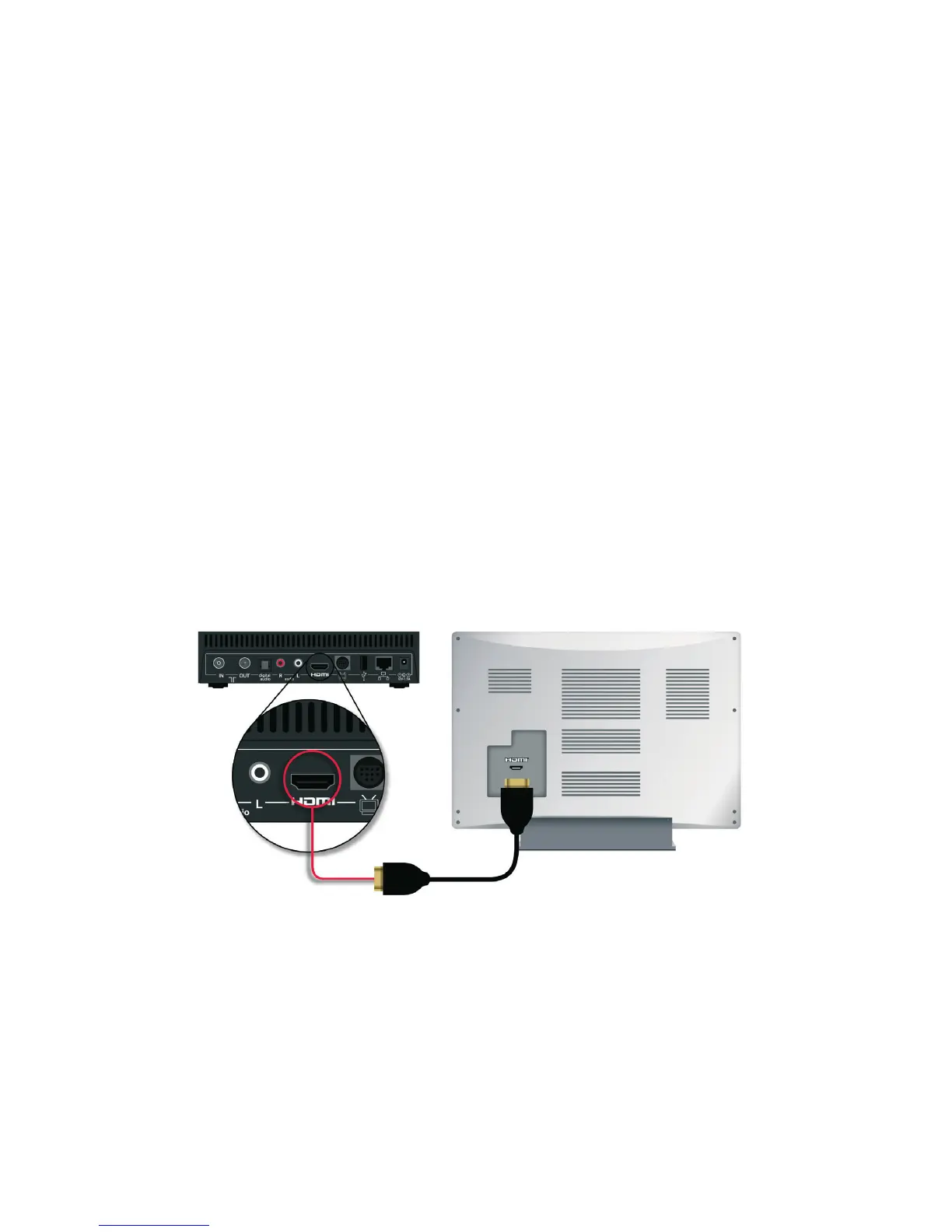
1. HDMI (recommended)
Connect your T-Box to your TV with the HDMI cable provided. The HDMI cable
carries Audio and Video to your TV set, so it’s all you need.



 To Next Page