27
The program will shrink to quarter screen and you’ll be able to nd out more
about:
•Theprogramyou’rewatching
•Thenextprogramintheschedule
•Primetimeprogramming
•Programsynopsisinformation
•Theprogrammingandservicesofthatchannel
•Recordingsthatyou’vemadefromthatchannelandscheduledrecordings.
Justusethearrowbuttonsonyourremotetomovebetweeninformation
categories and programs.
Note: Some channels may not offer a TV channel homepage. Plus, if you don’t
have access to the full Program Guide, you’ll only be able to view information about
the current and next-scheduled programs.
RECORDING YOUR FAVOURITE PROGRAMS
To record something now
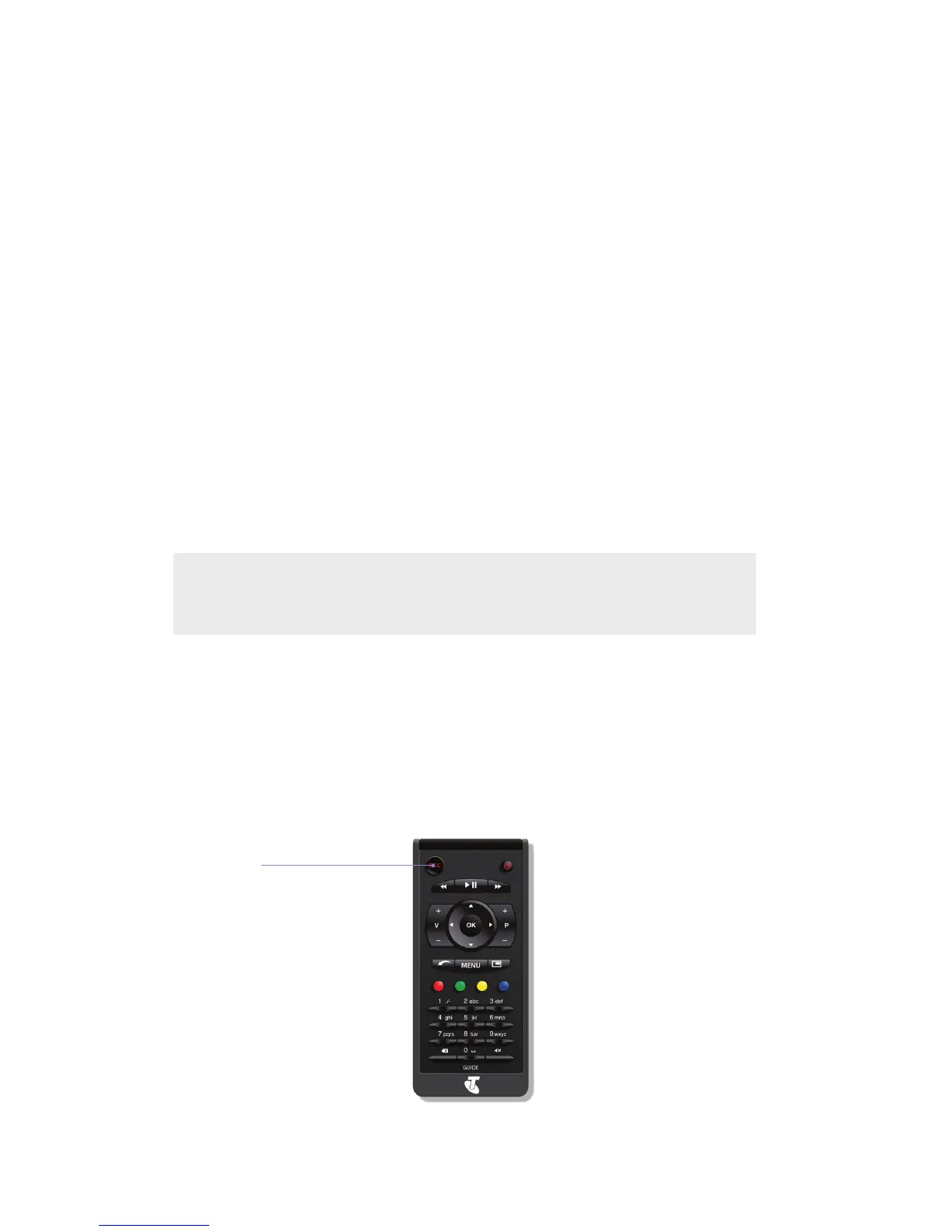
Youcanrecordaprogramthatyou’rewatchingonfree-to-airTVby
simplypressingtheREC(Record)buttoninthetoplefthandcorner
of your remote control.
To record something later
Start or Schedule
a recording for the
recording in focus



 To Next Page