26
The Program Guide gives you details of programs for seven days in advance –
including categories, imagery and a detailed synopsis. This information is all
updated regularly, but it may not be up-to-date if there is a late change made to
the program schedule by the channels such as Seven, Nine, Ten etc.
You can also lter your program guide by going to the EPG and pressing the
yellowbuttononyourremotecontrol.Youcanthenselectasuitablecategory
from the options presented on the screen.
CHECKING A TV CHANNEL’S HOMEPAGE
YoucanaccesseachTVchannel’shomepagebypressingthe‘FullScreen’
button on your remote control while you’re watching the channel.
Note: if your T-Box
®
isn’t registered and connected to an eligible BigPond
®
broadband service, only information broadcast by the digital free-to-air TV
channels about current and the next upcoming programs will be presented
(whenavailable).
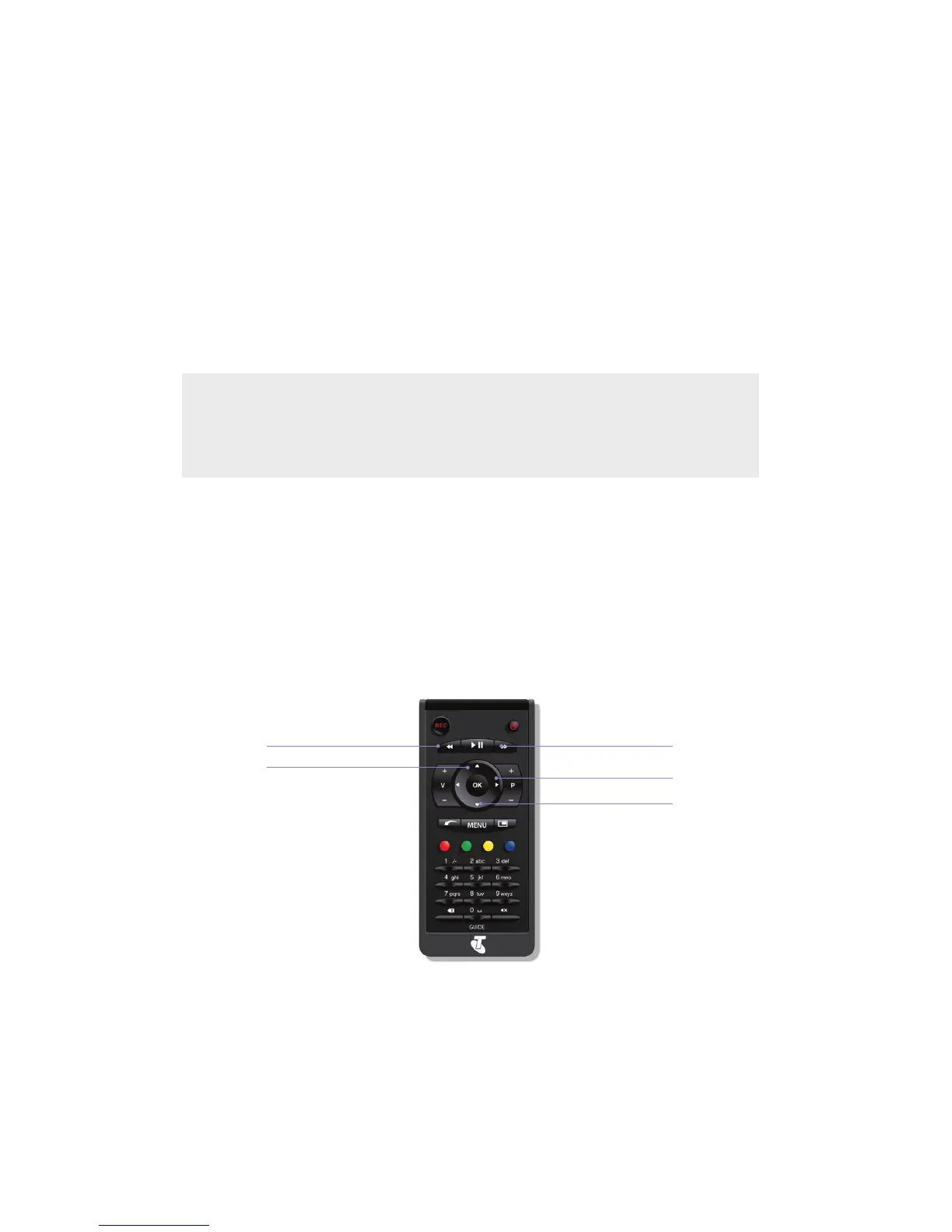
-24 hours
Skip to primetime
+24 hours
Navigate time-frame
Navigate channels
Navigate time-frame



 To Next Page