Page 11 of 14
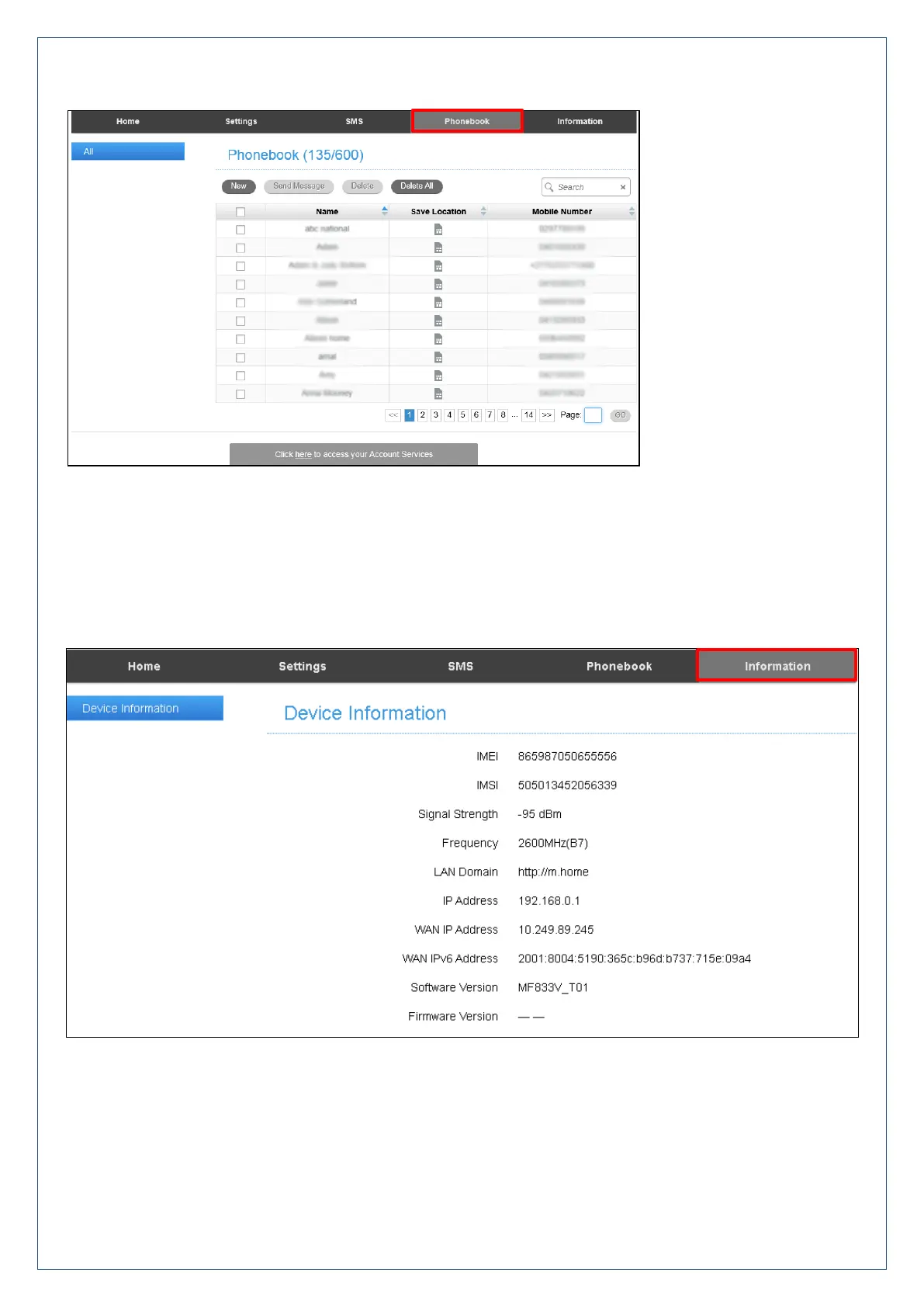
Phonebook
Click Phonebook to view your SIM card contacts.
Contacts are automatically read into the device but you can also copy and save on your device.
Select the Contact to view more details, click Edit to make any changes, then select the Save location as
Device.
Contacts stored on the device can include additional fields.
Select New to create a new contact and choose the save location as Device or SIM card.
Device Information
View the device IMEI number, Software version, Signal strength and other details.












 To Next Page