Page 7 of 14
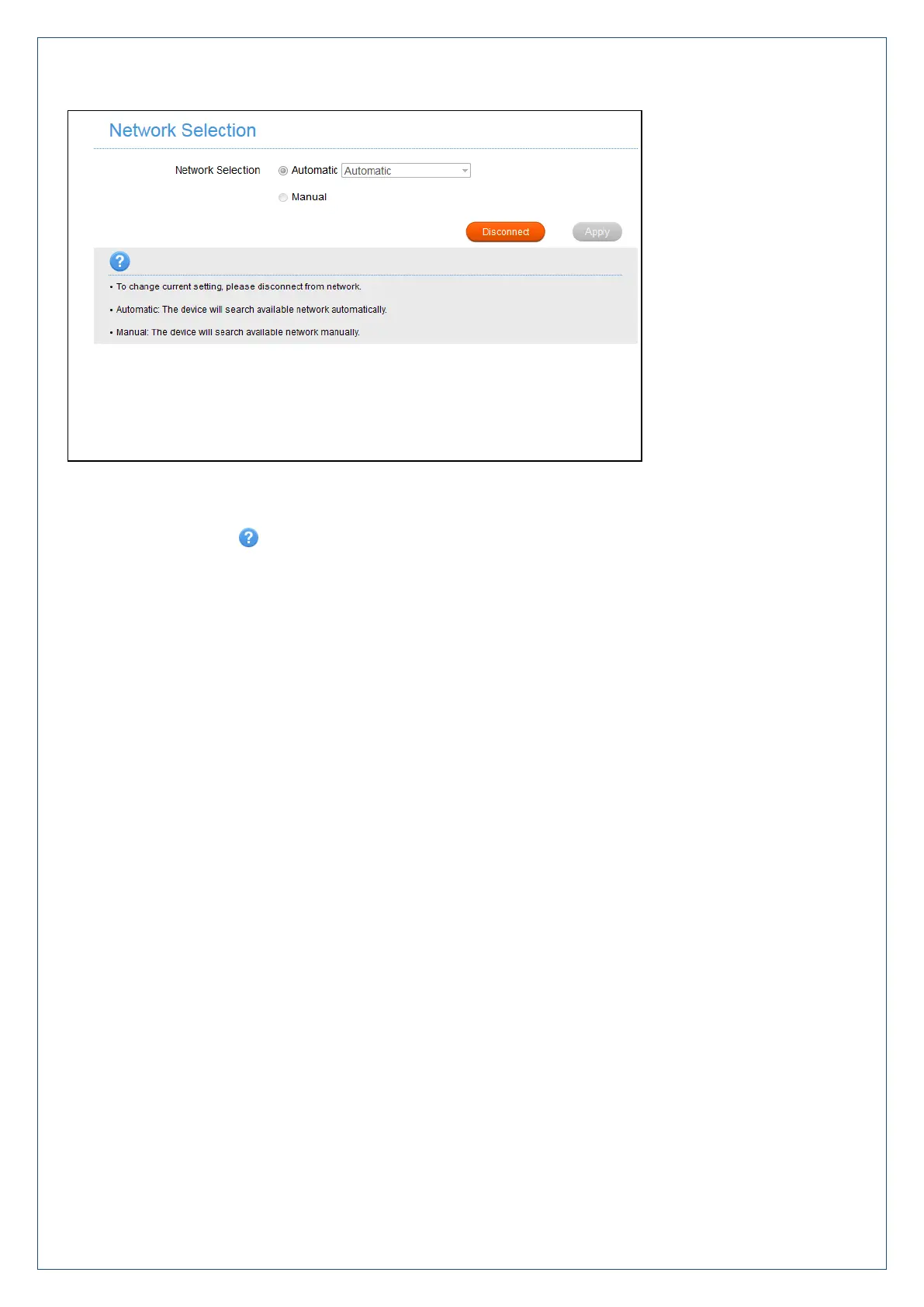
Settings > Network Settings > Network selection:
Network Selection is set to Automatic by default.
Press the Disconnect button to change this setting if required.
If you make any changes, press Apply to save the change
Press the Help icon to get in context tips.
There is no need to change these settings unless you change service provider or are instructed by your
carrier.
If you use a SIM card from another provider you may not be able to connect to their network.
Consult Telstra to obtain the unlock code for your device.












 To Next Page