Getting to Know Your Phone Phone Description
Arcata 2203 10 User Guide
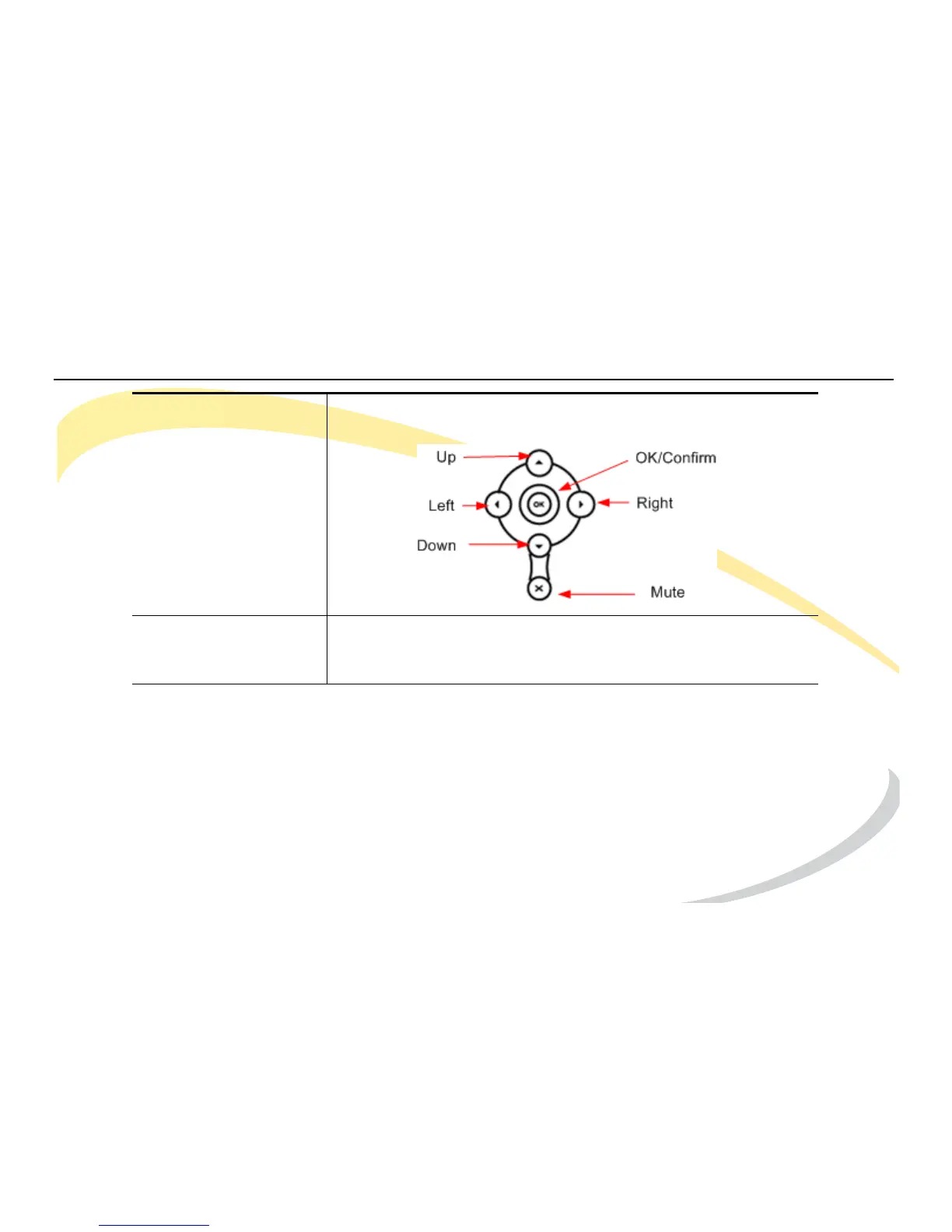
Navigation Keys Use the navigation keys to move within the display menus and
to confirm or cancel actions.
DTMF Keypad Use the DTMF keys to enter numbers, letters, and special
characters. See Using DTMF Keypad in Alpha-numeric Mode
on page 17.



 To Next Page