Customizing Your Phone Managing Contacts/Blacklists
Arcata 2203 48 User Guide
Editing a Contact/Blacklist
Step Item Press Notes
1Soft Key Dir
2Soft Key Enter Contacts or Blacklist
3 Navigation
Key
Highlight contact/blacklist
4Soft Key Option
5Soft Key OK Opens Detail screen
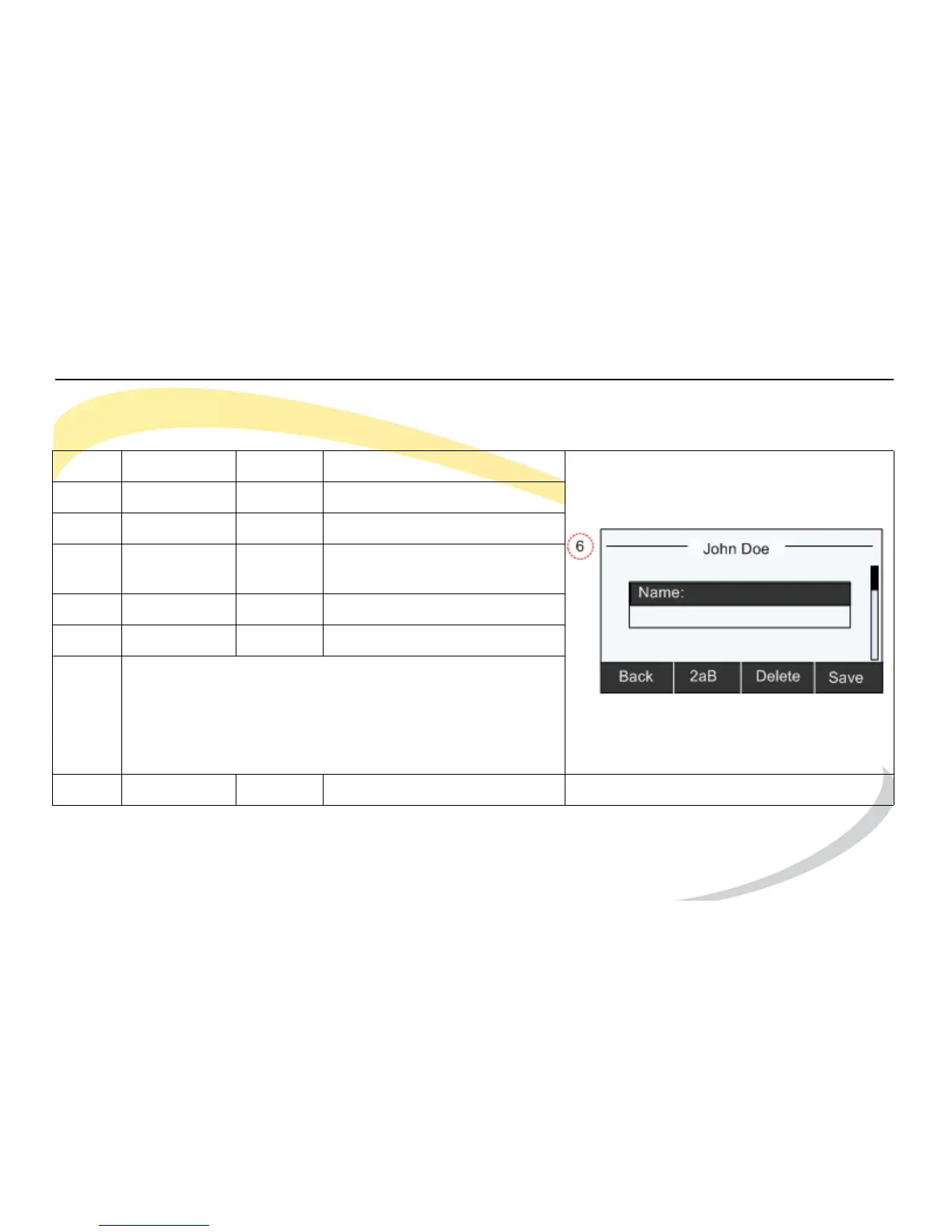
6 Edit information in each screen as required. Use the
Back soft key to delete existing information.
Use the Down Navigation Key to scroll through screens.
See Using DTMF Keypad in Alpha-numeric Mode for help
using the DTMF keys and alpha-numeric soft key.
7Soft Key Save



 To Next Page