Customizing Your Phone Modifying Basic Settings
Arcata 2203 62 User Guide
Changing the Date & Time
Step Item Press Notes
1Soft Key Menu
2Keypad 3 Settings
3Keypad 1 Basic Settings
4Keypad 2 Time & Date
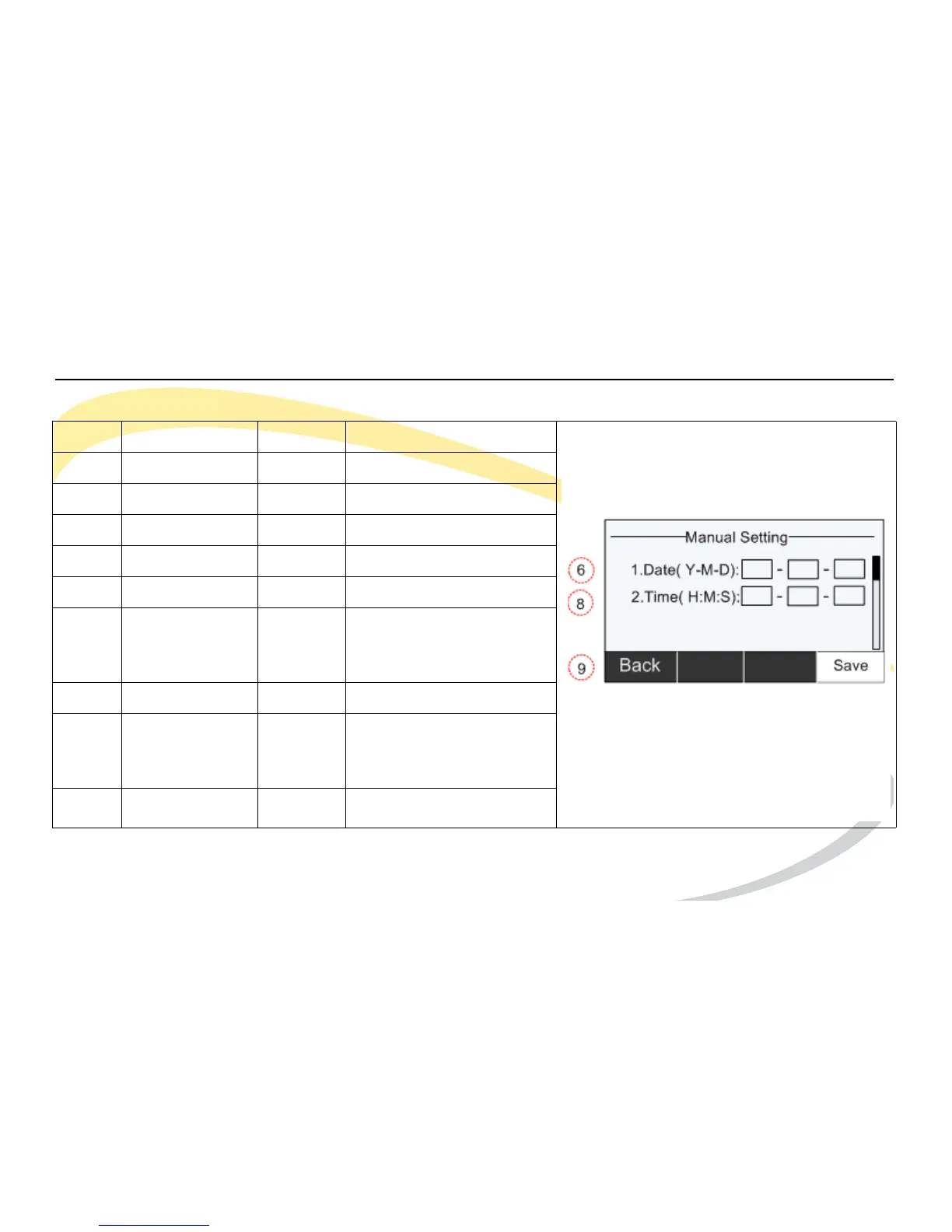
5Keypad 2 Manual Setting
6 DTMF Keypad Enter values for Date.
Use right Navigation key
to move to next cell.
7 Navigation Key Down Moves to Time section.
8 DTMF Keypad Enter values for Time.
Use right Navigation key
to move to next cell.
9Soft Key Save Saves settings



 To Next Page