Customizing Your Phone Managing Contacts/Blacklists
Arcata 2203 47 User Guide
Adding a Contact/Blacklist
Step Item Press Notes
1Soft Key Dir
2Soft Key Enter Contacts or Blacklist
3Soft Key Add
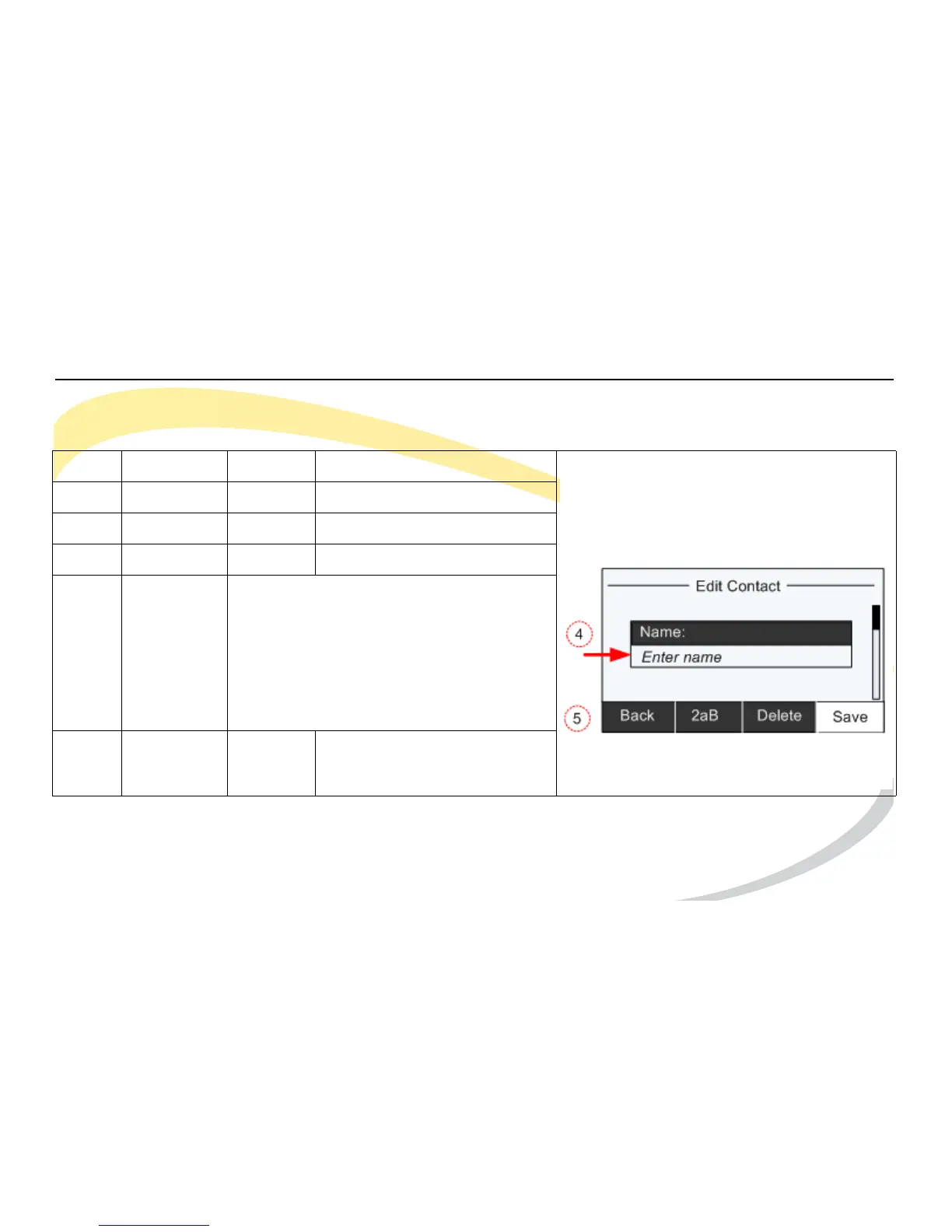
4Keypad/
Navigation
Keys
Enter information in screens as required.
Use the Down Navigation Key to scroll
through other screens and enter
information as desired.
See Using DTMF Keypad in Alpha-
numeric Mode for help using the DTMF
keys and alpha-numeric softkey.
5Soft Key Save



 To Next Page