Basic Phone Functions Viewing Missed Calls
Arcata 2203 44 User Guide
Viewing Missed Calls
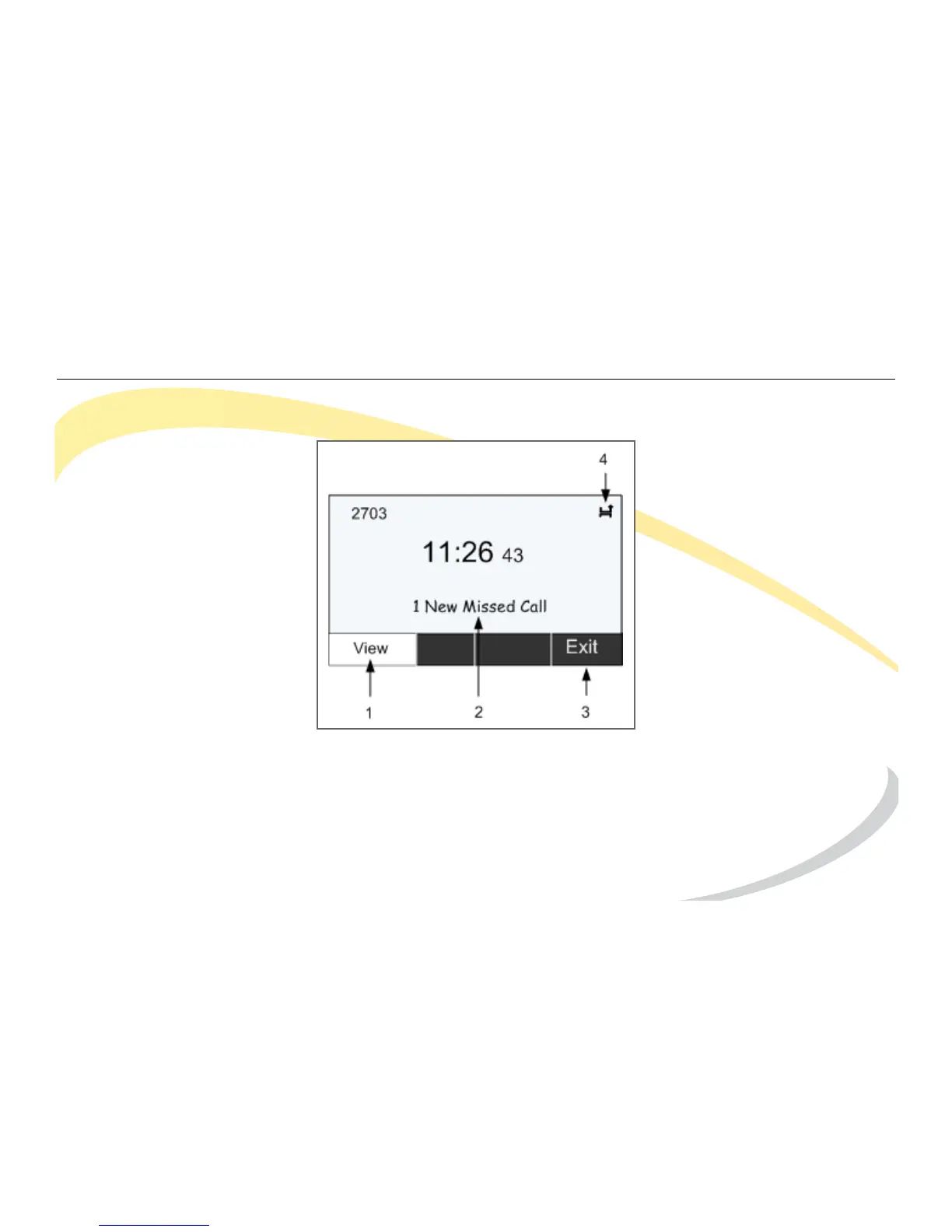
1 Press the View soft key to see missed calls.
2 Message indicates you have missed call(s).
3 Press the Exit soft key to return to main idle screen.
4 Icon indicates missed call.



 To Next Page