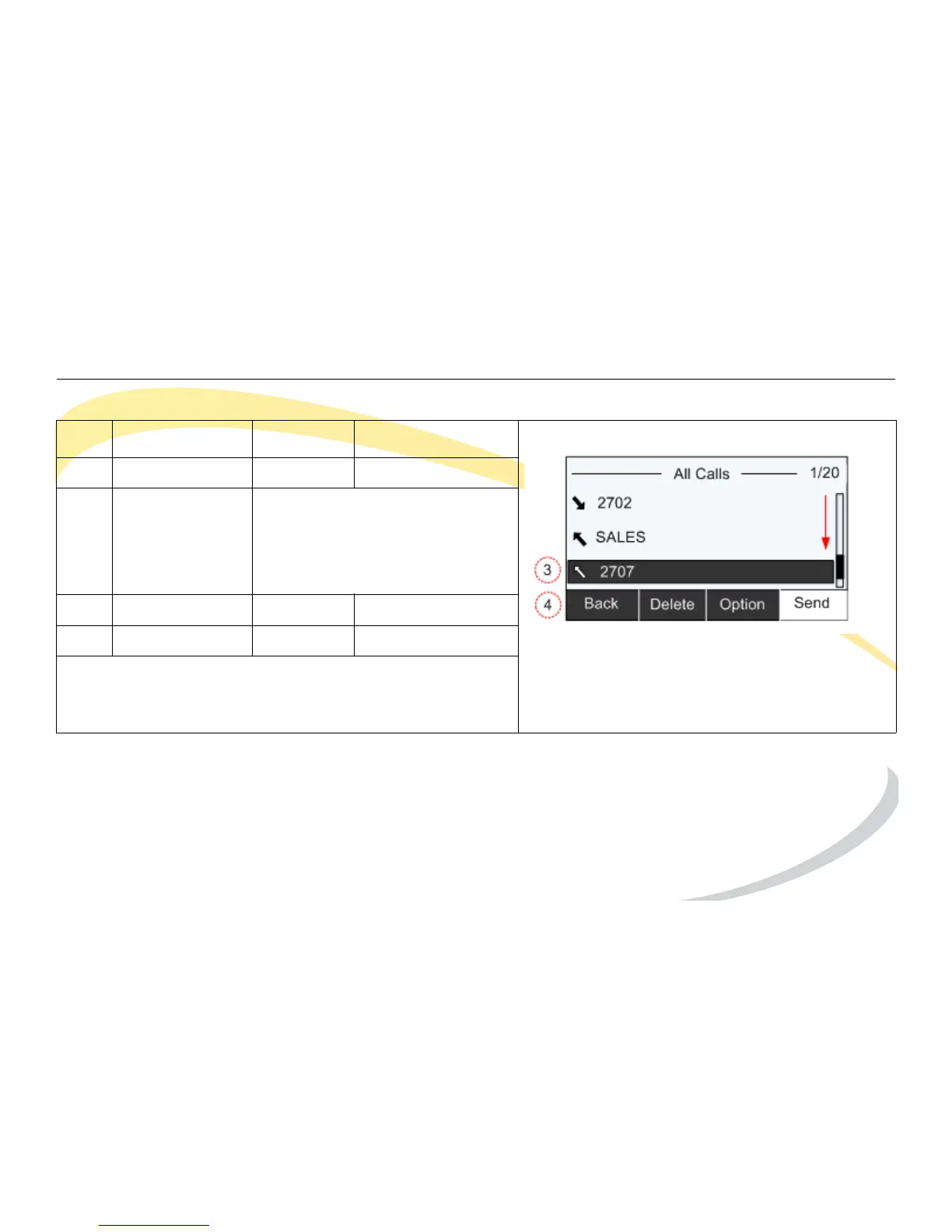
Basic Phone Functions Viewing Call History
Arcata 2203 43 User Guide
Viewing Call History
Step Item Press Notes
1Soft Key History
2 Navigation Keys By default, All Calls are shown.
Use the right/left navigation keys
to change the category (Missed
Calls, Dialed Calls, Received
Calls or Forwarded Calls).
3 Navigation Keys Down Highlight entry
4Soft Key Send Dials number
Press the Delete soft key to delete the entry
Press the Option soft key to view more details or add
the entry to the blacklist.



 To Next Page