Basic Phone Functions Making a Call
Arcata 2203 24 User Guide
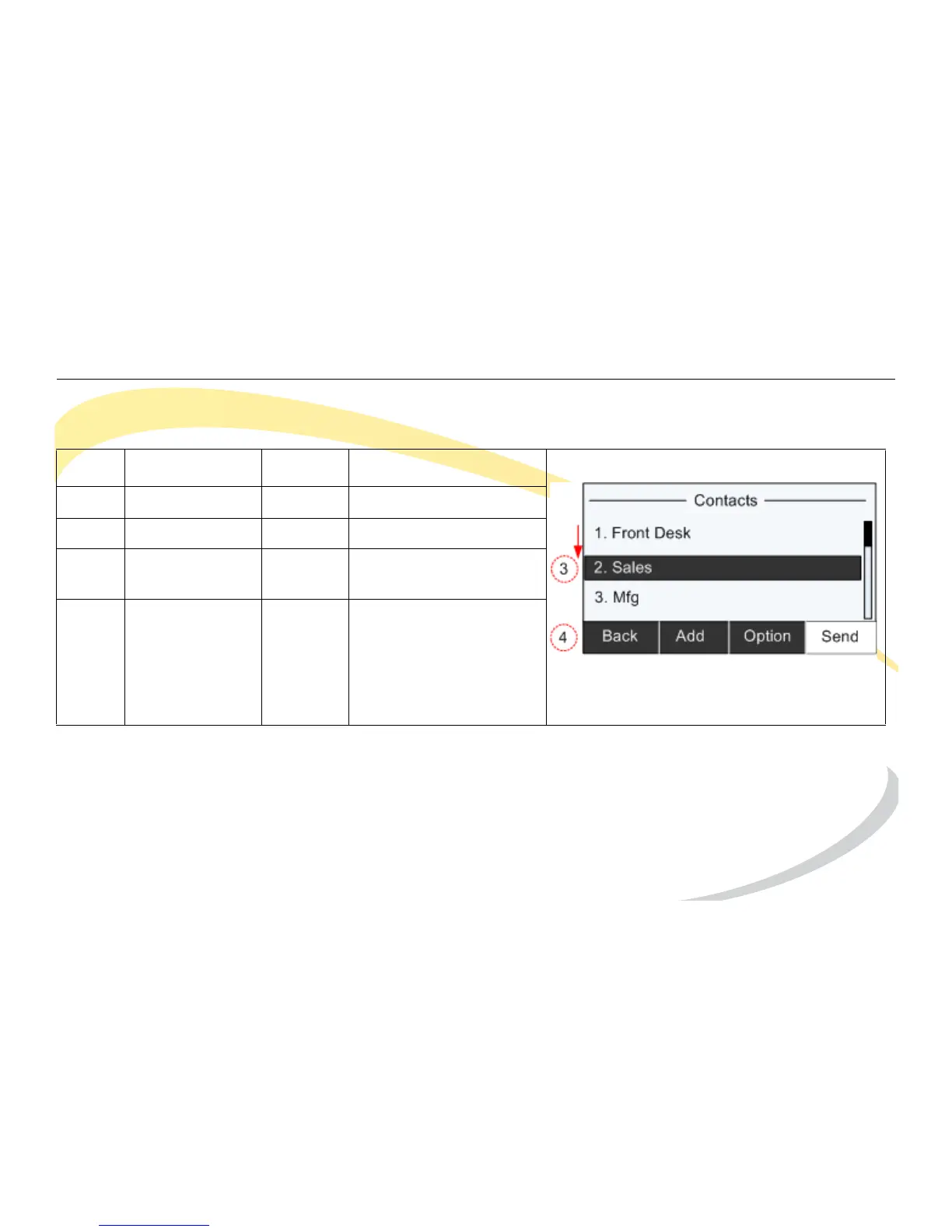
Dialing a Contact
Note: Press Option to get more details or delete a contact.
* To search for a contact, press the Search soft key. See Searching Contacts on page 25.
Step Item Press Notes
1Soft Key Dir
2Soft Key Enter * Opens Contacts
3 Navigation Key Down Highlight desired
contact
4Soft Key Send Dials contact number



 To Next Page