Getting to Know Your Phone Display Icons
Arcata 2203 20 User Guide
Display Icons
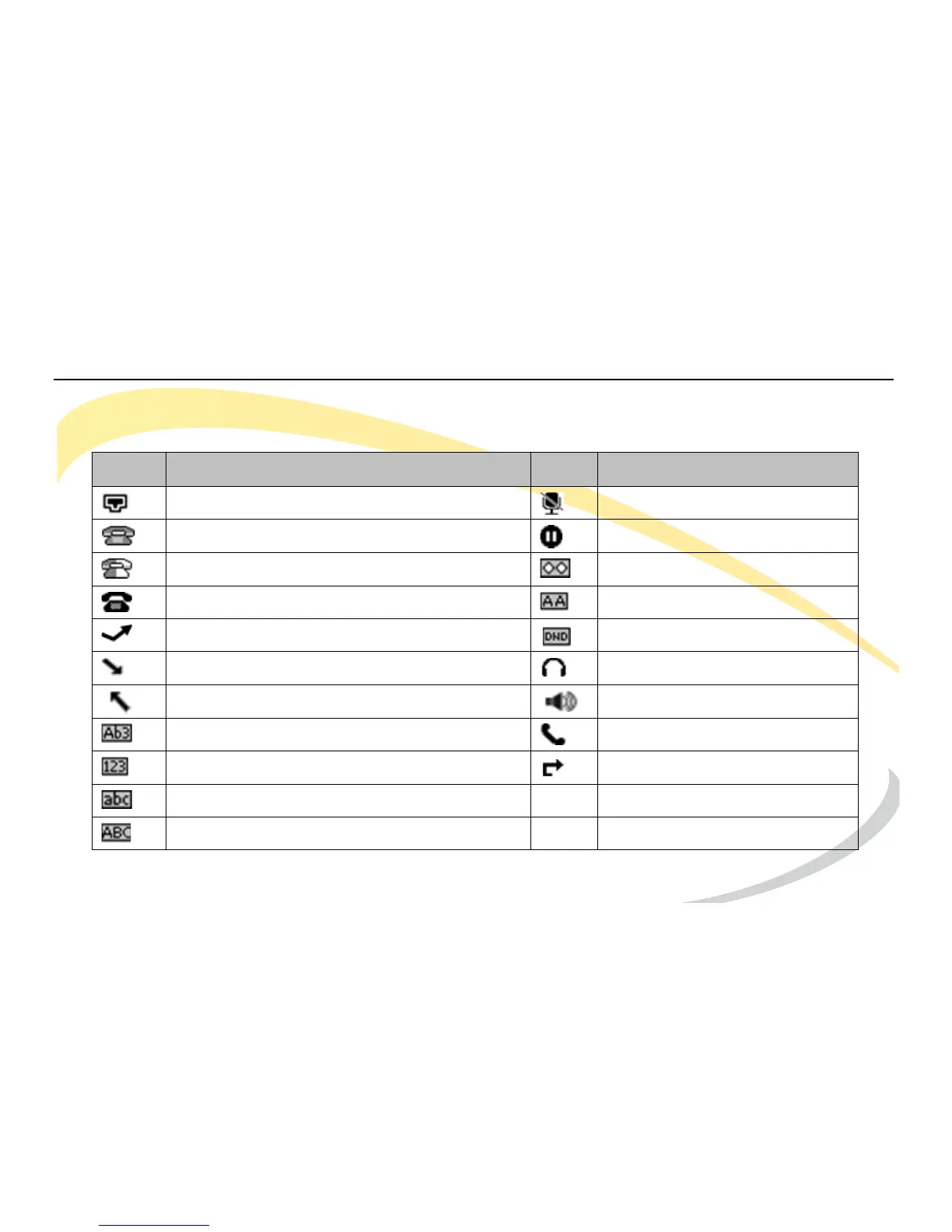
The Arcata phone displays the following icons on the LCD screen.
Icon Description Icon Description
Flashes when the internet is disconnected. Call Muted
Account Registration Failed Call on Hold
Account Registering Voice Message
Account Registration Successful Auto Answer Enabled
Missed Call(s) DND (Do not Disturb) Enabled
Incoming Call In Headset Mode
Outgoing Call In Hands Free Mode
Character Input Method: letters and numbers In Handset Mode
Character Input Method: numbers Call Forward Enabled
Character Input Method: letters in lower case
Character Input Method: letters in upper case



 To Next Page