Basic Phone Functions Making a Call
Arcata 2203 26 User Guide
Audio Redial
If Auto Redial is enabled, when you attempt to make a call and the other end is busy or not
answered, the phone will automatically redial the number.
Using Auto Redial
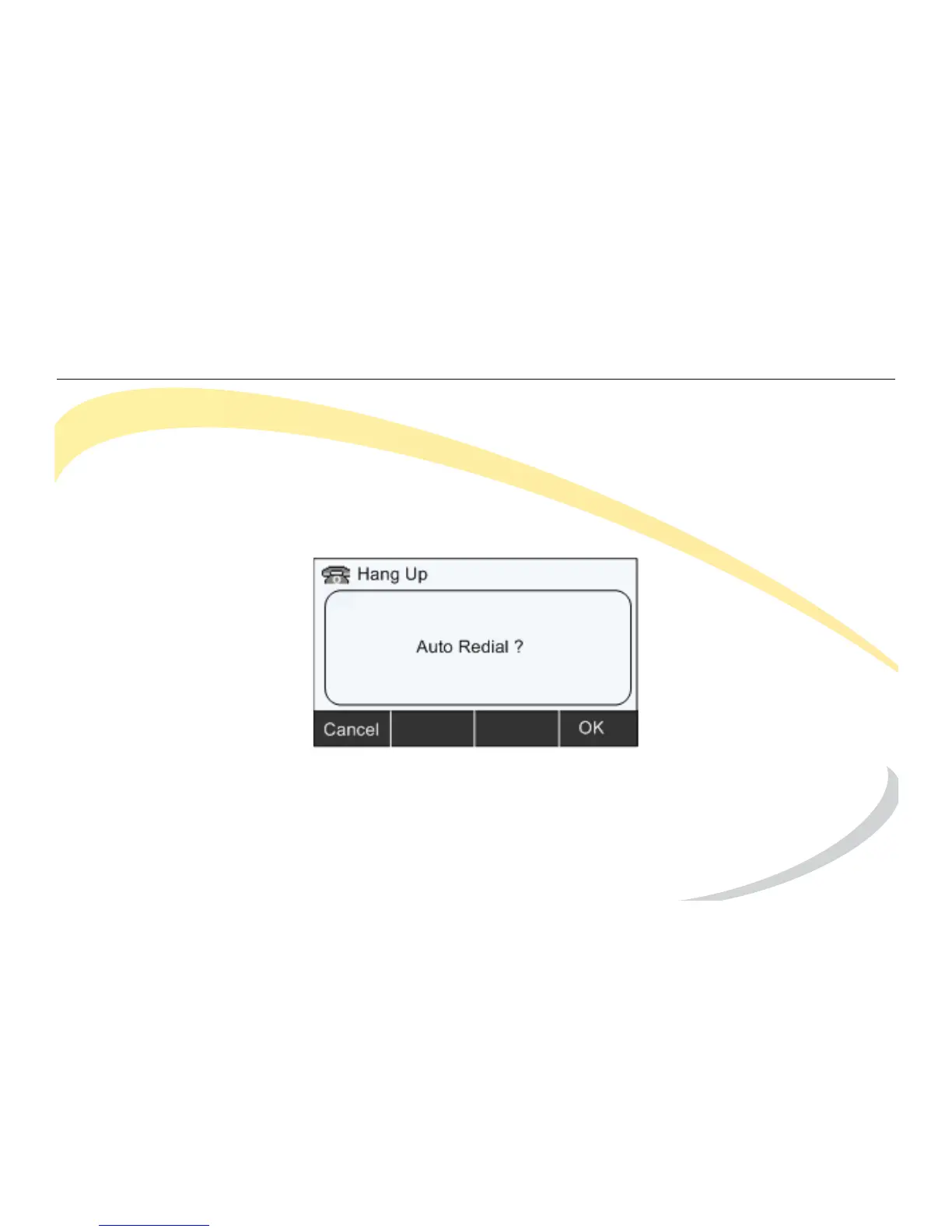
When you dial a number and the call is not answered or sent to voice mail, the Auto Redial
screen appears.
To activate Auto Redial, click the OK soft key.
The phone will redial the number according to the interval until the call is answered or the
number of redial times you configured is reached.



 To Next Page