Basic Phone Functions Denying an Incoming Call
Arcata 2203 37 User Guide
Do Not Disturb (DND)
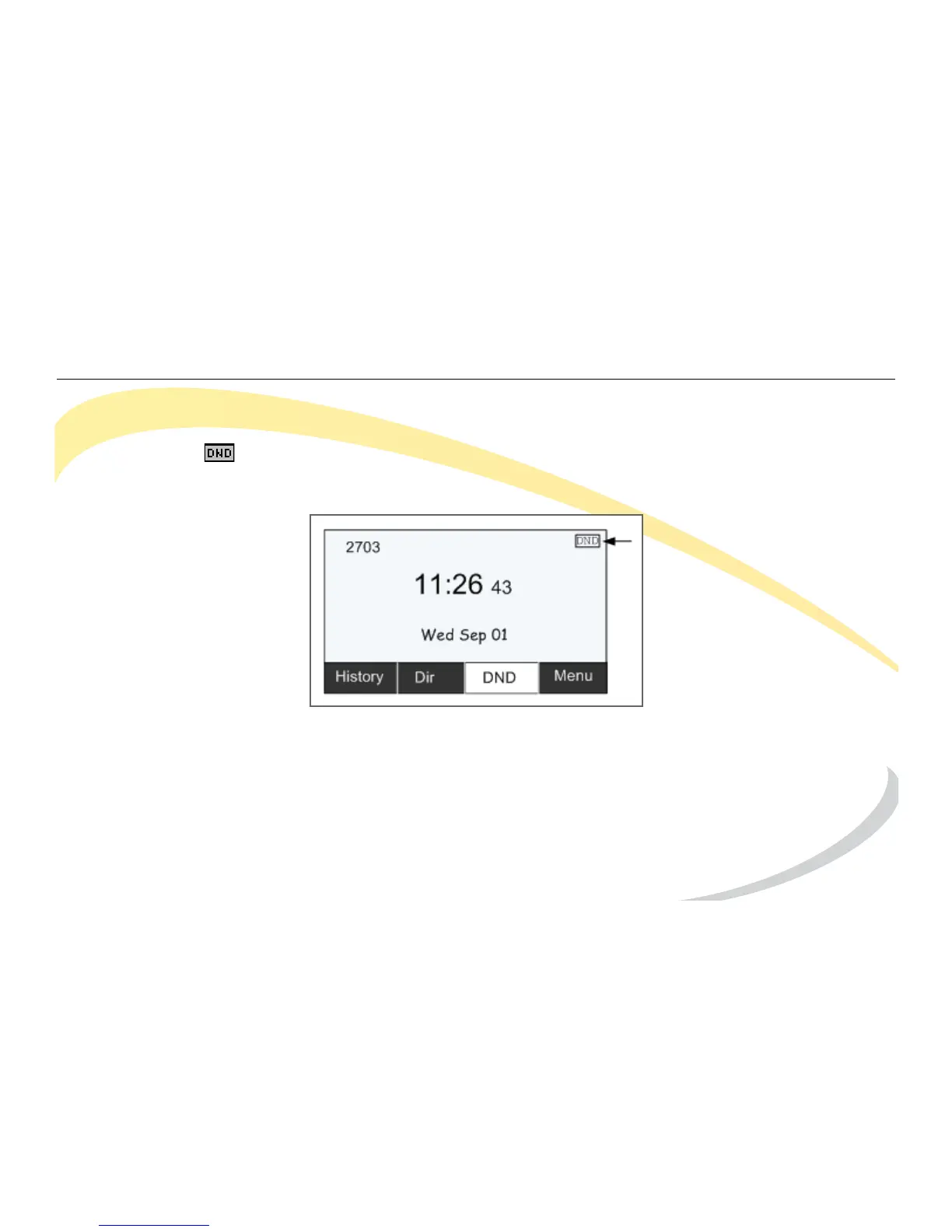
To automatically reject incoming calls, press the DND soft key on the Idle screen to enable DND
Mode. The icon appears in the top-right of the LCD screen. Press the DND soft key again to
deactivate DND mode. You can find the incoming call record in the Call History.



 To Next Page