26
Using your Optik TV PVR
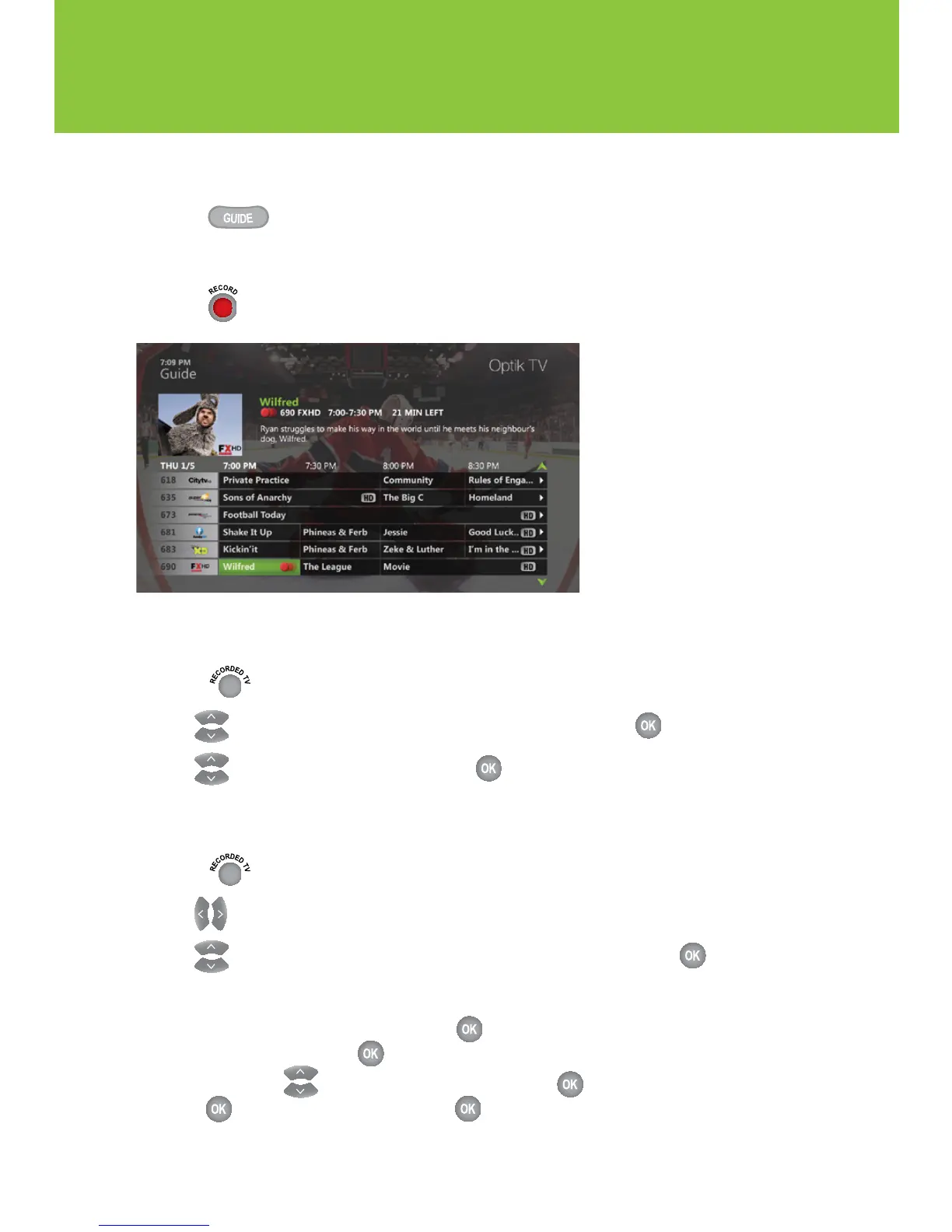
Recording a series
1 Press .
2 Navigate to the program that you want to record.
3 Press twice. A series record icon will appear in the program guide.
Stopping a recording
1
Press .
2 Use to select the program you wish to stop recording and press .
3 Use to select Stop recording and press .
Cancelling a future recording
1 Press .
2 Use to select Scheduled.
3 Use to select the program that you wish to cancel recording and press .
4 To cancel a recording of:
n An episode – select Don’t record, press and then select Cancel episode or
Cancel recording and press .
n A series – Use to select Series record info, press , then select Cancel series,
press , select Cancel series and press .


 To Next Page