27
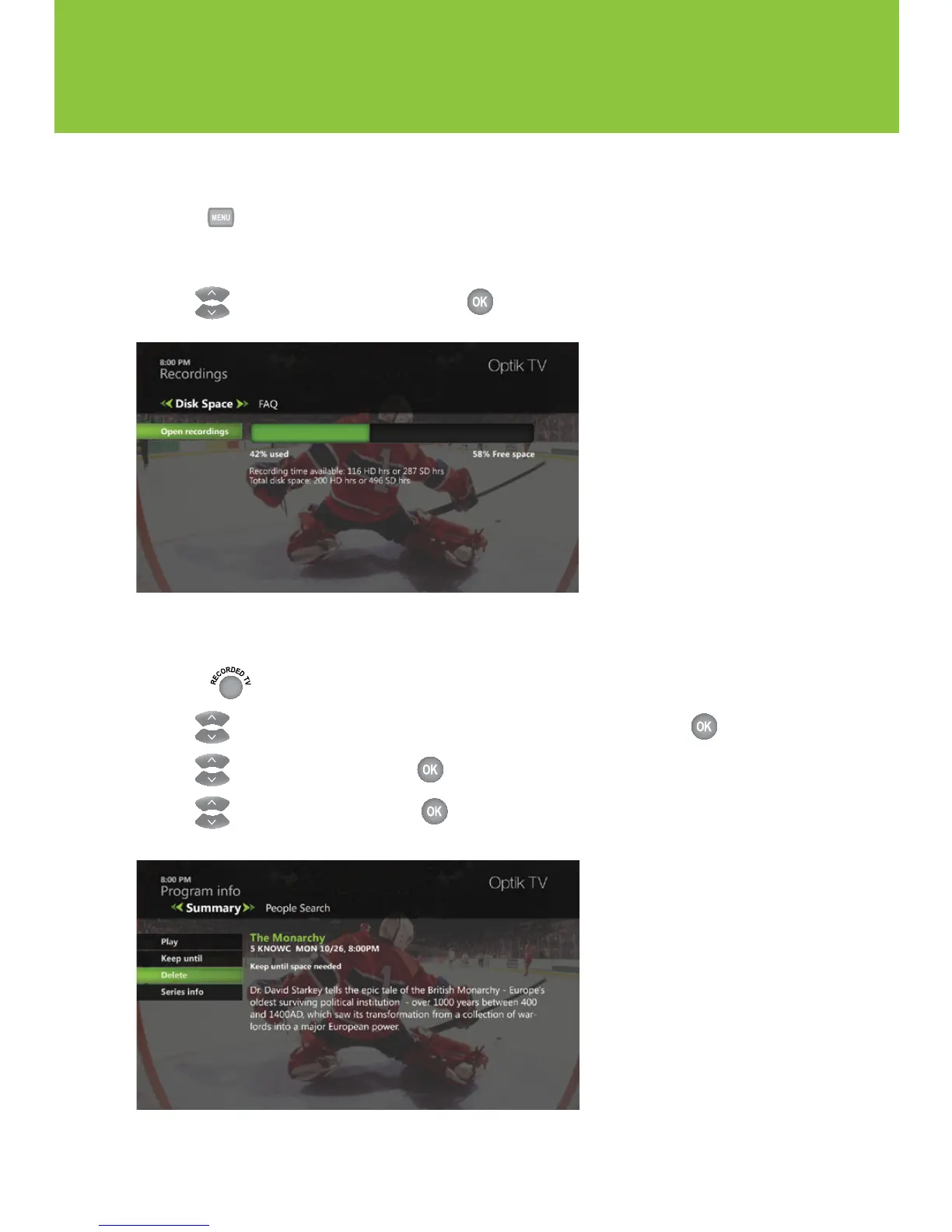
Checking the available space on your PVR
1 Press .
2 Select Recordings.
3 Use to select PVR Storage and press .
Deleting a recorded program
1 Press .
2 Use to highlight the recorded program that you want to delete and press .
3 Use to select Delete and press .
4 Use to select Delete and press to confirm deletion.



 To Next Page