29
Watching a recorded program
1
Press .
2 Use to select the recorded show that you want to watch and press .
3 Select Play and press to view the recording from the beginning.
Your recorded program will stop if you tune to another channel. You can resume watching exactly
where you left off by either going to channel 1 or by pressing to view the Recorded TV menu.
Unlocking a recorded program
1 Press .
2 Use to select the recorded show that you want to watch and press .
3 Select Play and press .
4 Press to unlock the recorded program.
5 Enter your Parental Control PIN.
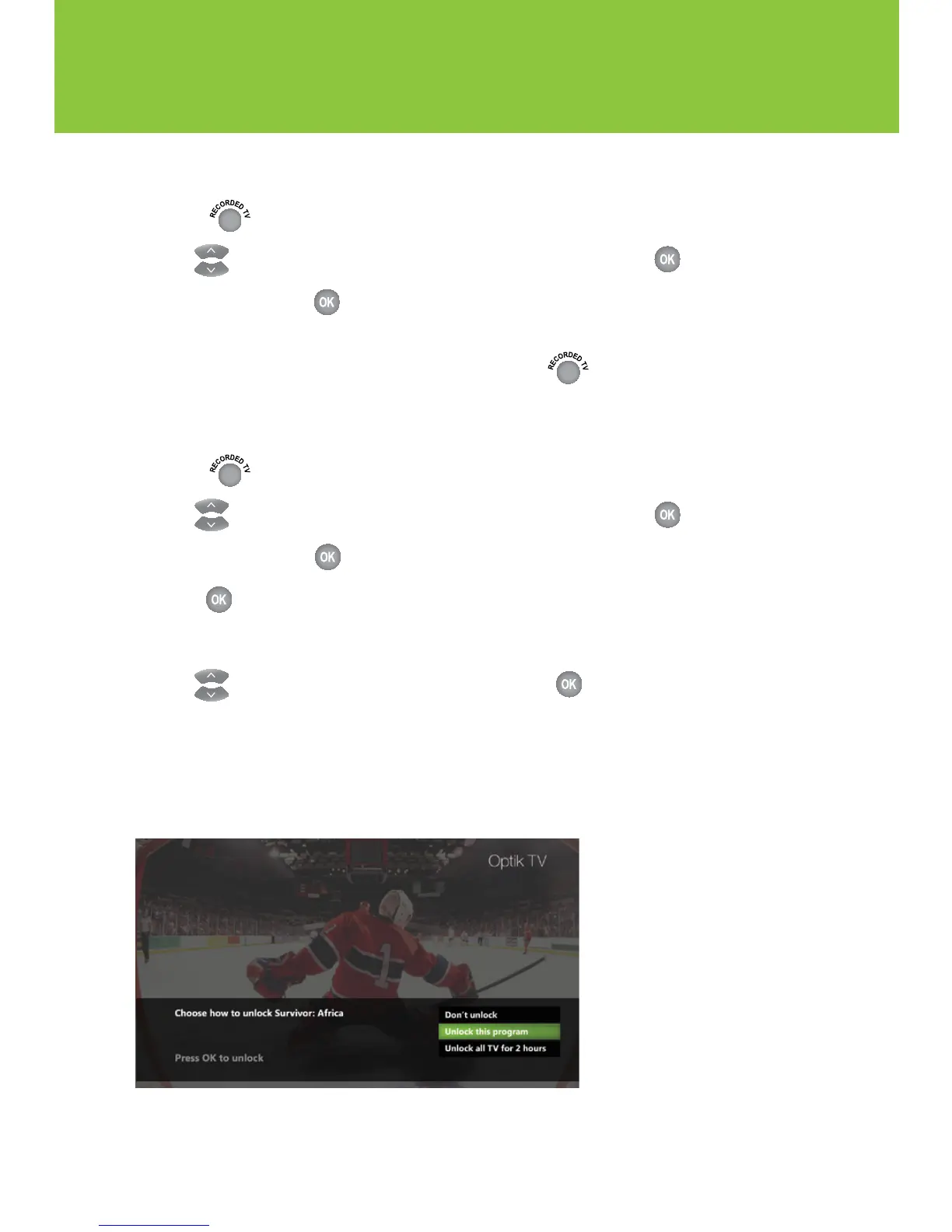
6 Use to select one of the following options and press .
n Don't unlock
n Unlock this program – The program will be automatically locked again after 2 hours
n Unlock all TV for 2 hours – All blocked programs on this TV will be unlocked for 2 hours
(option not available if there is blocked adult content).



 To Next Page