- 5 -
CONTINUOUSWIREWELDINGMACHINEFORMIG-MAGANDFLUX,TIG,MMA
WELDINGFORPROFESSIONALANDINDUSTRIALUSE.
Note:Theterm“weldingmachine”willbeusedinthetextthatfollows.
1.GENERALSAFETYCONSIDERATIONSFORARCWELDING
The operator should be properly trained to use the welding machine safely
andshouldbeinformedabouttherisksrelatedtoarcweldingprocedures,the
associatedprotectionmeasuresandemergencyprocedures.
(Pleaserefertotheapplicablestandard”EN60974-9:Arcweldingequipment.
Part9:InstallationandUse).
- Avoiddirectcontactwiththeweldingcircuit:theno-loadvoltagesuppliedby
theweldingmachinecanbedangerousundercertaincircumstances.
- When the welding cables are being connected or checks and repairs are
carried out the welding machine should be switched off and disconnected
fromthepowersupplyoutlet.
- Switchofftheweldingmachineanddisconnectitfromthepowersupplyoutlet
beforereplacingconsumabletorchparts.
- Maketheelectricalconnectionsandinstallationaccordingtothesafetyrules
andlegislationinforce.
- Theweldingmachineshouldbeconnectedonlyandexclusivelytoapower
sourcewiththeneutralleadconnectedtoearth.
- Make sure that the power supply plug is correctly connected to the earth
protectionoutlet.
- Donotusetheweldingmachineindamporwetplacesanddonotweldinthe
rain.
- Donotusecableswithworninsulationorlooseconnections.
- Donotweldoncontainersorpipingthatcontainsorhascontainedammable
liquidorgaseousproducts.
- Donotoperateonmaterialscleanedwithchlorinatedsolventsornearsuch
substances.
- Donotweldoncontainersunderpressure.
- Removeallammablematerials(e.g.wood,paper,ragsetc.)fromtheworking
area.
- Provideadequateventilationorfacilitiesfortheremovalofweldingfumesnear
thearc;asystematicapproachisneededinevaluatingtheexposurelimitsfor
theweldingfumes,whichwilldependontheircomposition,concentrationand
thelengthofexposureitself.
- Keep the gas bottle (if used) away from heat sources, including direct
sunlight.
- Useelectricinsulationthatissuitableforthetorch,theworkpiece andany
metalpartsthatmaybeplacedonthegroundandnearby(accessible).
Thiscannormallybedonebywearinggloves,footwear,headprotectionand
clothingthataresuitableforthepurposeandbyusinginsulatingboardsor
mats.
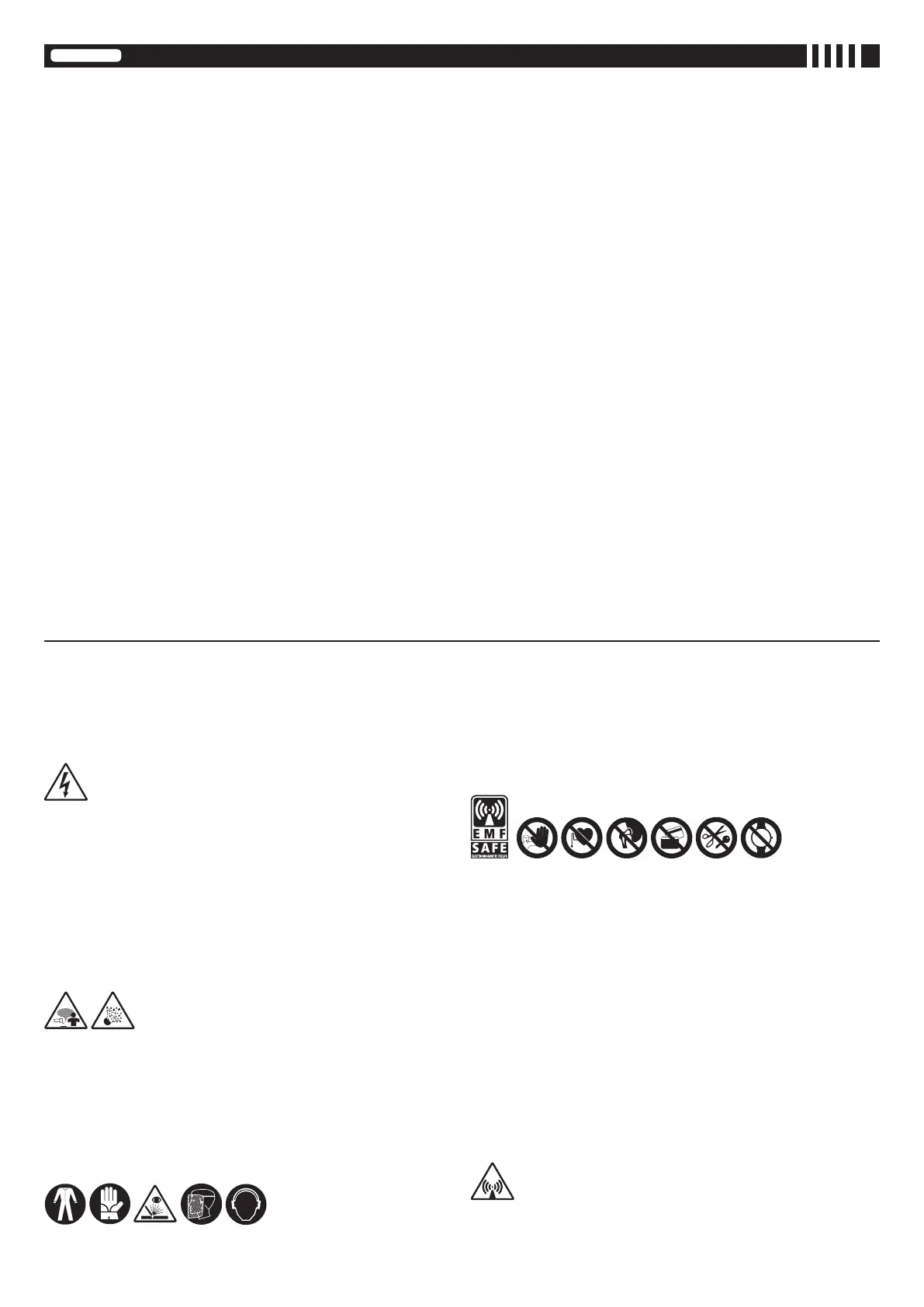
- Alwaysprotectyoureyeswiththerelativelters,whichmustcomplywithUNI
EN169orUNIEN379,mountedonmasksorusehelmetsthatcomplywithUNI
EN175.
Use the relative re-resistant clothing (compliant with UNI EN 11611) and
weldinggloves(compliantwithUNIEN12477)withoutexposingtheskintothe
ultravioletandinfraredraysproducedbythearc;theprotectionmustextend
to other people who are near the arc by way of screens or non-reective
sheets.
- Noise:Ifthedailypersonalnoiseexposure(LEPd)isequaltoorhigherthan85
dB(A)becauseofparticularlyintensiveweldingoperations,suitablepersonal
protectivemeansmustbeused(Tab.1).
- Theowoftheweldingcurrentgenerateselectromagneticelds(EMF)around
theweldingcircuit.
Electromagneticeldscaninterferewithcertainmedicalequipment(e.g.Pace-
makers,respiratoryequipment,metallicprosthesesetc.).
Adequateprotectivemeasuresmustbeadoptedforpersonswiththesetypesof
medicalapparatus.Forexample,theymustbeforbiddenaccesstotheareain
whichweldingmachinesareinoperation.
Thiswelding machineconforms totechnical productstandards forexclusive
useinanindustrialenvironmentforprofessionalpurposes.Itdoesnotassure
compliancewiththebasiclimitsrelativetohumanexposuretoelectromagnetic
eldsinthedomesticenvironment.
Theoperatormustadoptthefollowingproceduresinordertoreduceexposure
toelectromagneticelds:
- Fastenthetwoweldingcablesasclosetogetheraspossible.
- Keepheadandtrunkasfarawayaspossiblefromtheweldingcircuit.
- Neverwindweldingcablesaroundthebody.
- Avoidweldingwiththebodywithintheweldingcircuit.Keepbothcableson
thesamesideofthebody.
- Connecttheweldingcurrentreturncabletothepiecebeingwelded,asclose
aspossibletotheweldingjoint.
- Donotweldwhilecloseto,sittingonorleaningagainsttheweldingmachine
(keepatleast50cmawayfromit).
- Do not leave objects in ferromagnetic material in proximity of the welding
circuit.
- Minimumdistanced=20cm(Fig.R).
- ClassAequipment:
Thiswelding machineconforms totechnical productstandards forexclusive
use in an industrial environment and for professional purposes. It does not
assure compliance with electromagnetic compatibility in domestic dwellings
and in premises directly connected to a low-voltage power supply system
ENGLISH
INDEX
1.GENERALSAFETYCONSIDERATIONSFORARCWELDING......................................... 5
2.INTRODUCTIONANDGENERALDESCRIPTION.............................................................. 6
2.1 MAIN CHARACTERISTICS ............................................................................................ 6
2.2 STANDARD ACCESSORIES ......................................................................................... 6
2.3 OPTIONAL ACCESSORIES ........................................................................................... 6
3.TECHNICALDATA............................................................................................................... 6
3.1 DATA PLATE ................................................................................................................... 6
3.2 OTHER TECHNICAL DATA: ........................................................................................... 6
4.WELDINGMACHINEDESCRIPTION.................................................................................. 6
4.1 CONTROL, ADJUSTMENT AND CONNECTING DEVICES. ......................................... 6
4.1.1 WELDING MACHINE (Fig. B) .............................................................................. 6
4.1.2 WELDING MACHINE CONTROL PANEL (Fig. C) ............................................... 7
5.INSTALLATION..................................................................................................................... 7
5.1 POSITIONING THE WELDING MACHINE ..................................................................... 7
5.2 CONNECTION TO THE MAIN POWER SUPPLY .......................................................... 7
5.2.1 Plug and outlet ..................................................................................................... 7
5.3 WELDING CIRCUIT CONNECTION .............................................................................. 7
5.3.1 Recommendations ............................................................................................... 7
5.3.2 WELDING CIRCUIT CONNECTION IN MIG-MAG MODE .................................. 7
5.3.2.1 Connecting the gas bottle (if used) ......................................................... 7
5.3.2.2 Connecting the welding current return cable ........................................... 7
5.3.2.3 Torch (Fig. B) ........................................................................................... 7
5.3.2.4 Spool gun (Fig. B) ................................................................................... 7
5.3.3 WELDING CIRCUIT CONNECTION IN TIG MODE............................................. 7
5.3.3.1 Connecting the gas bottle ....................................................................... 7
5.3.3.2 Connecting the welding current return cable ........................................... 7
5.3.3.3 Torch ....................................................................................................... 7
5.3.4 WELDING CIRCUIT CONNECTION IN MMA MODE .......................................... 7
5.3.4.1 Welding wire clamp electrode-holder connection .................................... 7
5.3.4.2 Connecting the welding current return cable ........................................... 7
5.4 LOADING THE WIRE SPOOL (Fig. G, G1) .................................................................... 7
5.5 REPLACING THE TORCH WIRE GUIDE SHEATH (FIG. H) ......................................... 8
5.5.1 Spiral sheath for steel wire ................................................................................... 8
5.5.2 Synthetic sheath for aluminium wire ..................................................................... 8
5.6 LOADING THE WIRE REEL ONTO THE SPOOL GUN (Fig. I) ...................................... 8
6.MIG-MAGWELDINGPROCESSDESCRIPTION................................................................ 8
6.1 SHORT ARC ................................................................................................................... 8
6.2 TRANSFERRING TO AB PULSE MODE (PULSE ARC) ................................................ 8
6.3 TRANSFERRING TO ROOT MIG MODE ....................................................................... 8
7.MIG-MAGOPERATIONMODE............................................................................................ 8
7.1 Operating in manual mode ............................................................................................ 8
7.1.1 Setting of spool gun parameters .......................................................................... 8
7.2 Synergic operating mode. ............................................................................................... 8
7.2.1 ATC Mode (Advanced Thermal Control)............................................................... 9
7.2.2 Using the spool gun .............................................................................................. 9
7.3 AB Pulse operating mode ............................................................................................... 9
7.4 AB PoP (PULSE on PULSE) operating mode ................................................................ 9
7.5 ROOT MIG operating mode............................................................................................ 9
8.CONTROLLINGTHETORCHPUSH-BUTTON................................................................... 9
8.1 Setting the torch push-button control mode (Fig. L-9) .................................................... 9
8.2 Torch push-button control mode ..................................................................................... 9
9.WELDINGWITHG.R.A.(for270Aversiononly)............................................................... 9
10.MMAWELDING:PROCESSDESCRIPTION..................................................................... 9
10.1 GENERAL PRINCIPLES .............................................................................................. 9
10.2 PROCEDURE ............................................................................................................... 9
10.3 MMA mode settings (Fig. L-10) .................................................................................... 9
11.TIGDCWELDING:PROCESSDESCRIPTION................................................................. 9
11.1 GENERAL PRINCIPLES .............................................................................................. 9
11.2 PROCEDURE (LIFT STRIKE) ...................................................................................... 9
11.3 TFT DISPLAY IN TIG MODE (Fig. L-12) ..................................................................... 10
12.ALARMSIGNALS(TAB.6).............................................................................................. 10
13.SETTINGSMENU(Fig.L-13)........................................................................................... 10
13.1 MODE MENU (Fig. L-14) ............................................................................................ 10
13.2 SET UP MENU (Fig. L-15) .......................................................................................... 10
13.2.1 FUNCTIONS BLOCK ....................................................................................... 10
13.3 SERVICE MENU (Fig. L-16) ....................................................................................... 10
13.3.1 INFO MENU ..................................................................................................... 10
13.3.2 FIRMWARE MENU .......................................................................................... 10
13.3.3 REPORT MENU ............................................................................................... 10
13.3.4 CALIBRATION .................................................................................................. 10
13.4 AQUA MENU .............................................................................................................. 10
13.5 JOBS MENU (Fig. L-18) ............................................................................................. 10
14.MAINTENANCE............................................................................................................... 10
14.1 ROUTINE MAINTENANCE: ....................................................................................... 10
14.1.1 Torch ................................................................................................................. 10
14.1.2 Wire feeder ....................................................................................................... 10
14.2 EXTRAORDINARY MAINTENANCE .......................................................................... 10
15.TROUBLESHOOTING(TAB.6)....................................................................................... 10
page page


 To Next Page
 Loading...