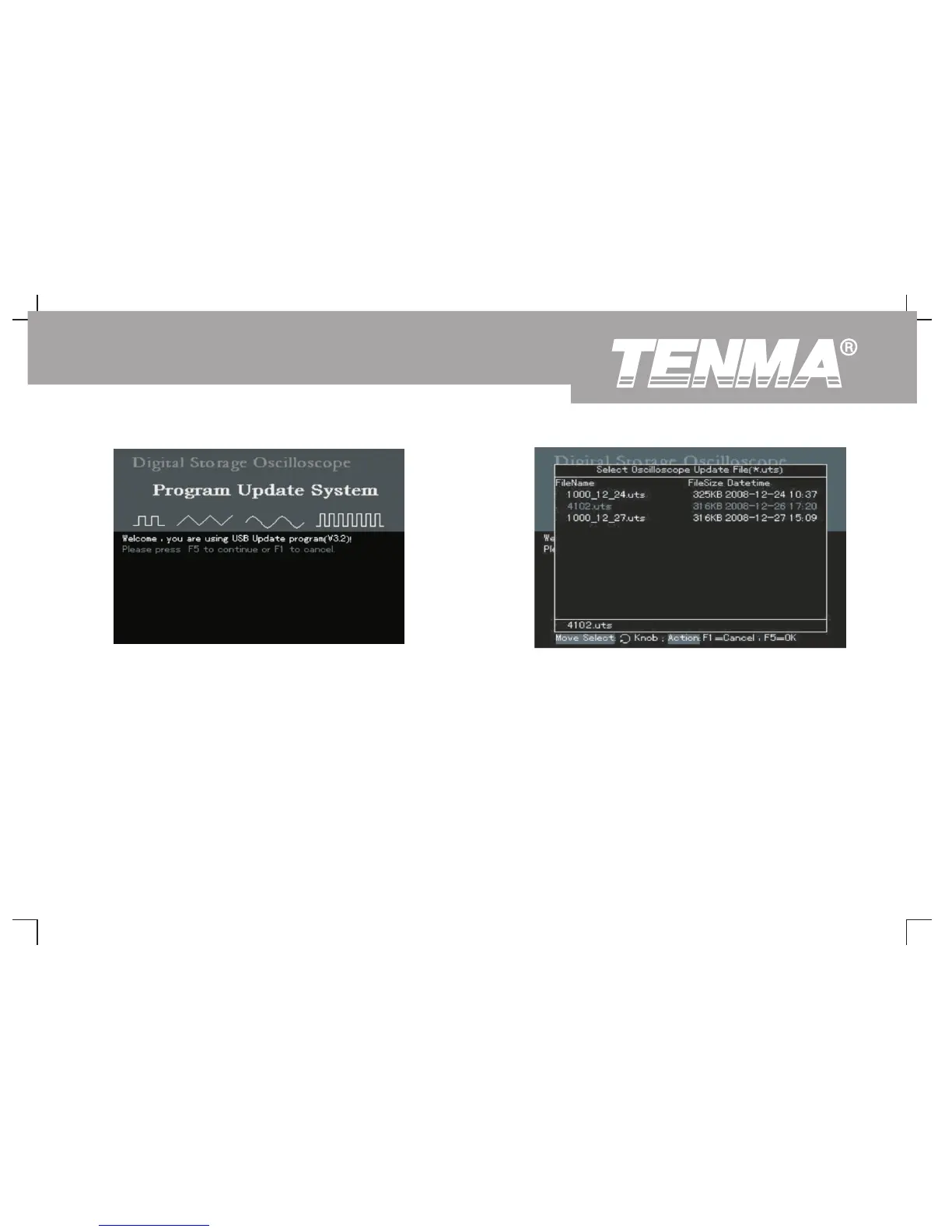
After pressing F5, the screen will prompt you to select the update
program, as shown in the following figure. You can now select the
required update program with the multifunction control knob then press
4. When [F5] is pressed as shown in Figure 3-9, the prompt on the
[F5] to move to the next step (If there is only one program on the USB
right will appear : “Are you sure you wish to update? If yes, press
device, the following screen will not appear. The system will move
[F5], otherwise press [F1] to cancel upgrade”.
straight to the next step).
Figure 3-8 USB update confirmation
Figure 3-9 Selection of the USB upgrade
document
71
DSO Series User Manual



 To Next Page