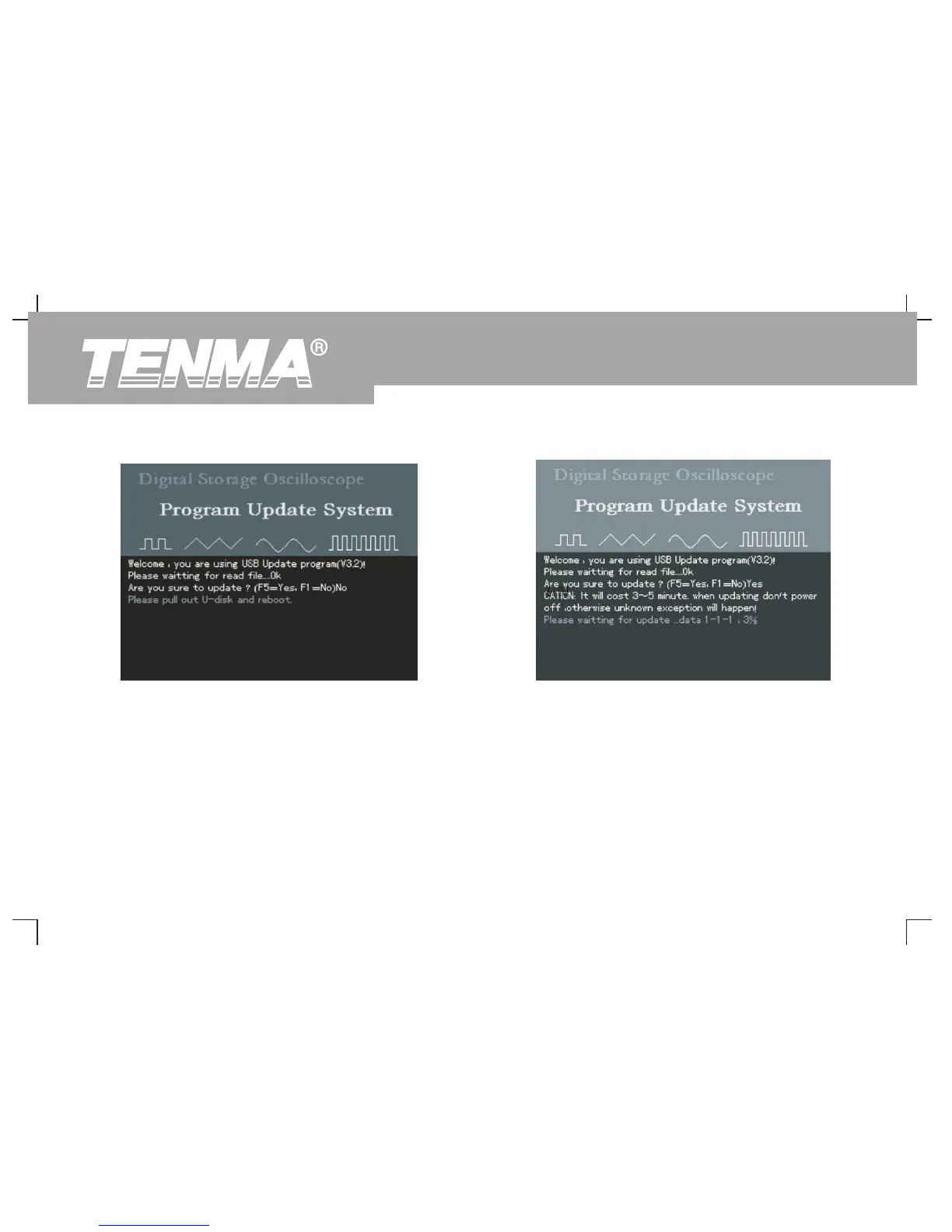
6. When update is complete, a successful update prompt will appear :
“Upgrade is successfully complete. Please remove USB device,
5. When the USB document is confirmed the following prompt will
then power off your oscilloscope and power it back on again to
appear : “System upgrade is in progress. Please wait”. (This
complete the process.” The oscilloscope program is now
process may take 3 to 5 minutes)
updated and system upgrade is complete. In the event of update
failure, follow the steps below.
Figure 3-10 Confirming the USB update
document
Figure 3-11 USB upgrade in progress
72
DSO Series User Manual



 To Next Page