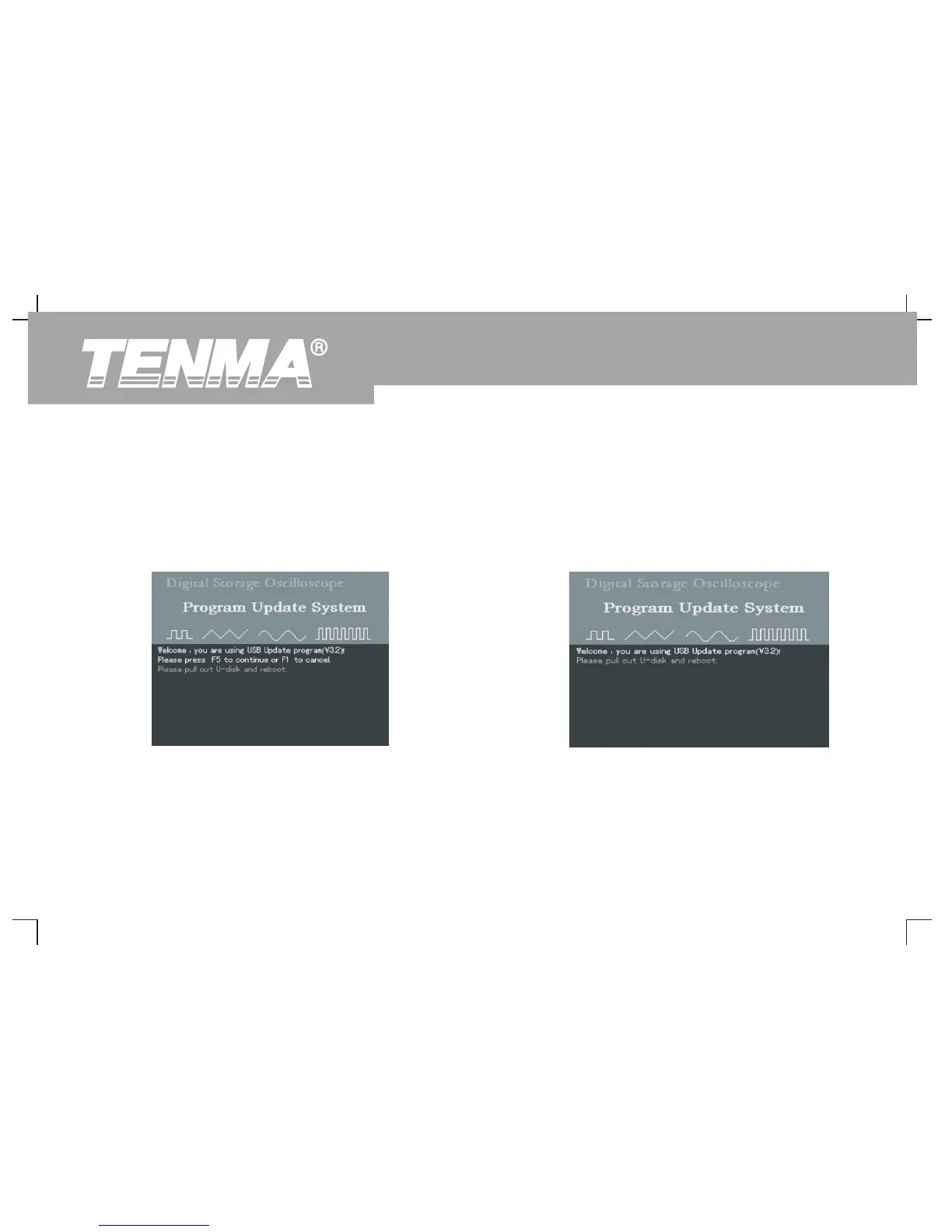
2. The user cancels the update process. ② During the update process, you can cancel update by
pressing [F1]. To cancel upgrade and operate your
① When the oscilloscope is restarted with the USB device
oscilloscope normally, follow the on-screen instructions :
plugged in, you can cancel upgrade by pressing [F1]. To
“Remove the USB device and reboot.”
cancel upgrade and operate your oscilloscope normally,
follow the on-screen instructions : “ Remove the USB
device and reboot.”
Figure 3-14 Cancel update (1)
Figure 3-15 Cancel update (2)
74
DSO Series User Manual



 To Next Page