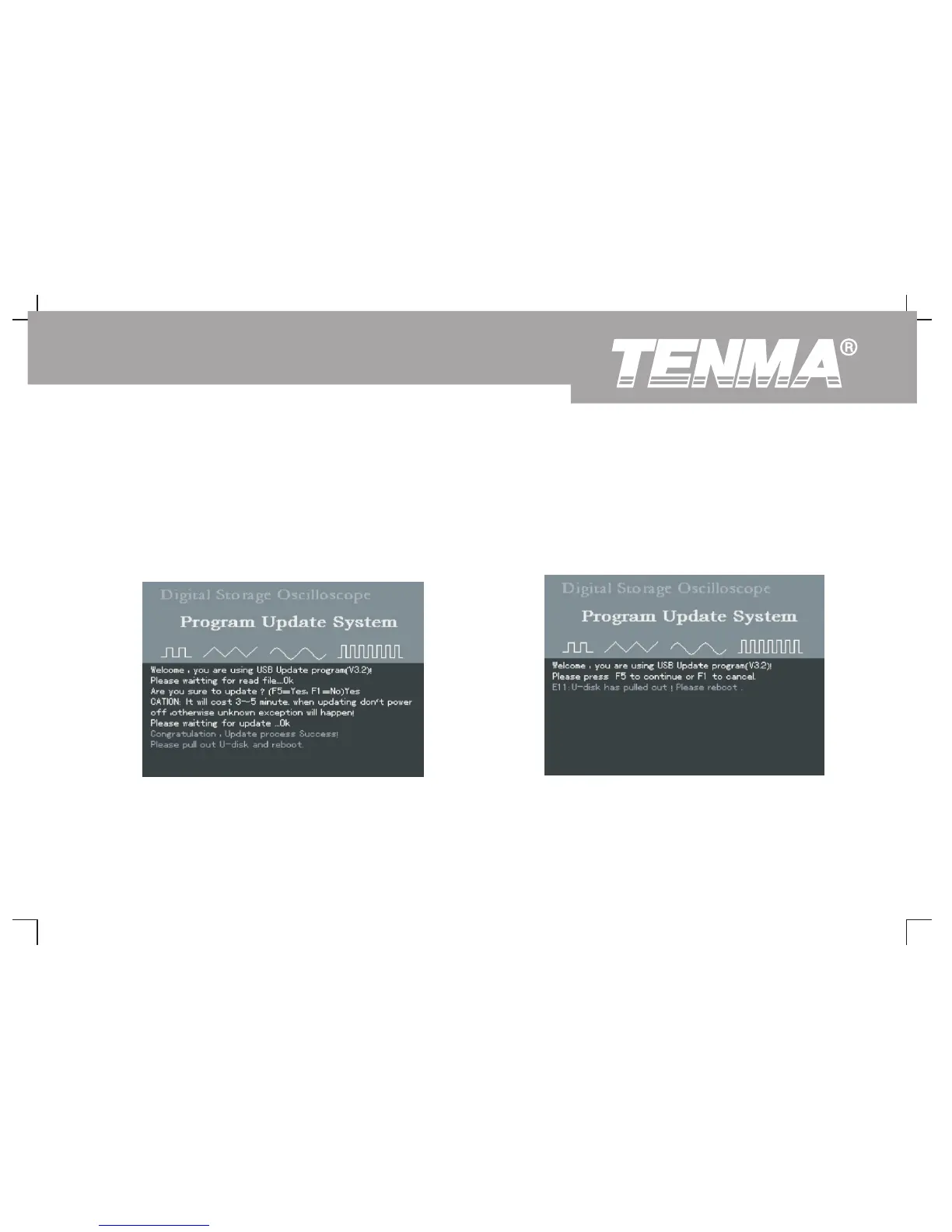
③ You can still cancel update when the oscilloscope is ready 3. The USB device is removed before update begins
for the process. Simply press [F1] to return to normal
If the USB device is removed when the update document is being
operation. Please follow the on-screen instructions :
read before commencement of update, the following prompt will
“Remove the USB device and reboot.”
appear : “USB device has been removed! Please reboot.” To
resume normal operation, power on the oscilloscope with the USB
device unplugged.
Figure 3-16 Cancel upgrade (3)
Figure 3-17 USB device is removed before update
75
DSO Series User Manual



 To Next Page