TENVIS Technology Co., Ltd.
31
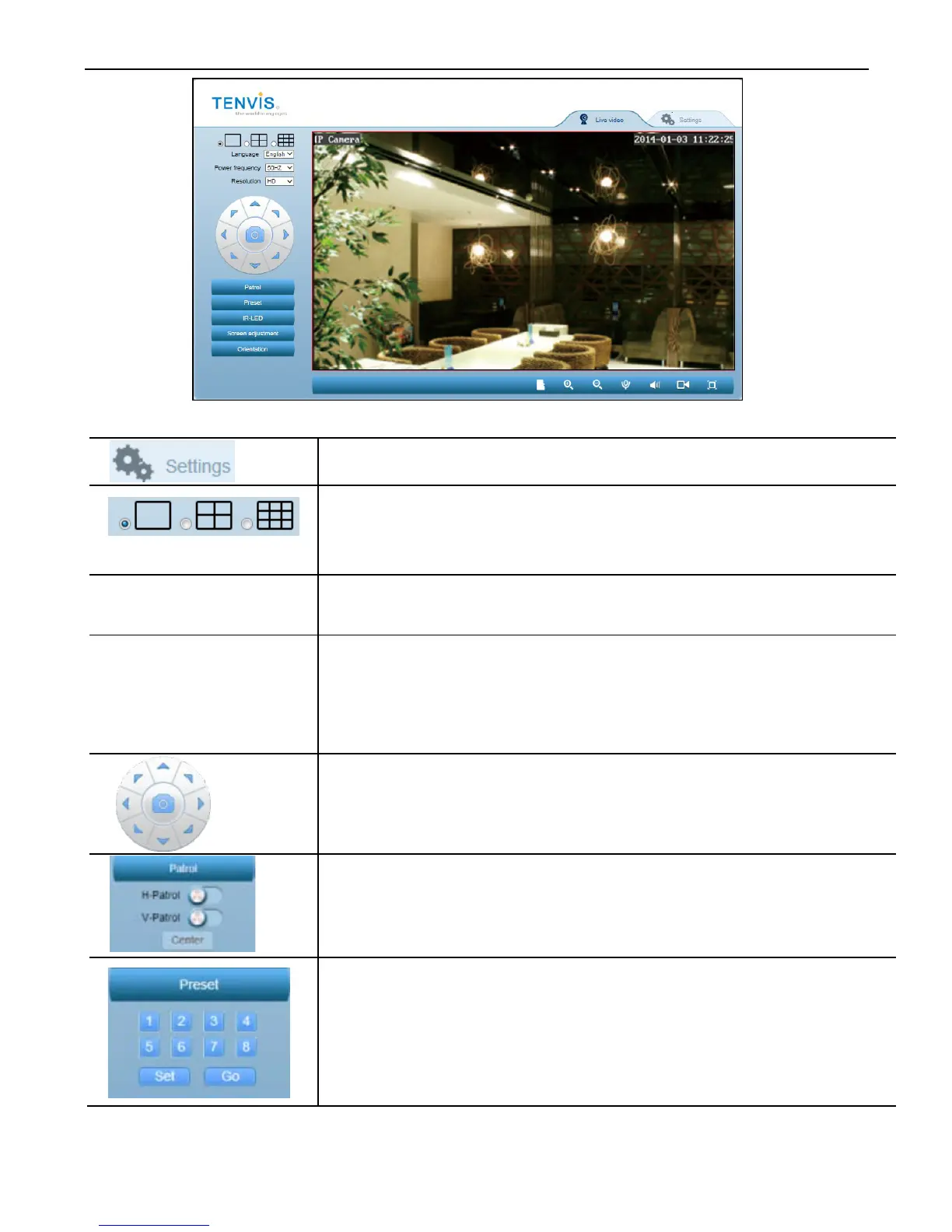
Icons and buttons on live video page:
Click this button to go to Camera Setup
1 camera frame,
4 camera frames,
9 camera frames
Power frequency
Adjust power frequency to stabilize camera video
Resolution
Adjust video resolution
HD: 1280*720,
VGA: 640*352,
QVGA: 320*176
8 arrows to Pan/Tilt the camera
Center button is used for taking snapshot.
Patrol horizontally or vertically
Camera will point to center position once “Center”
button clicked
Preset positions are IP camera's saved Pan/Tilt
positions, for users to quickly access 8 specific
positions by click a button. This application allows
users to store up to 8 preset positions.



 To Next Page