EasyManua.ls Logo

Tenvis iprobot 3 - Page 35

Tenvis iprobot 3
48 pages
Print Icon
To Next Page IconTo Next Page
To Previous Page IconTo Previous Page
Loading...
TENVIS Technology Co., Ltd.
32
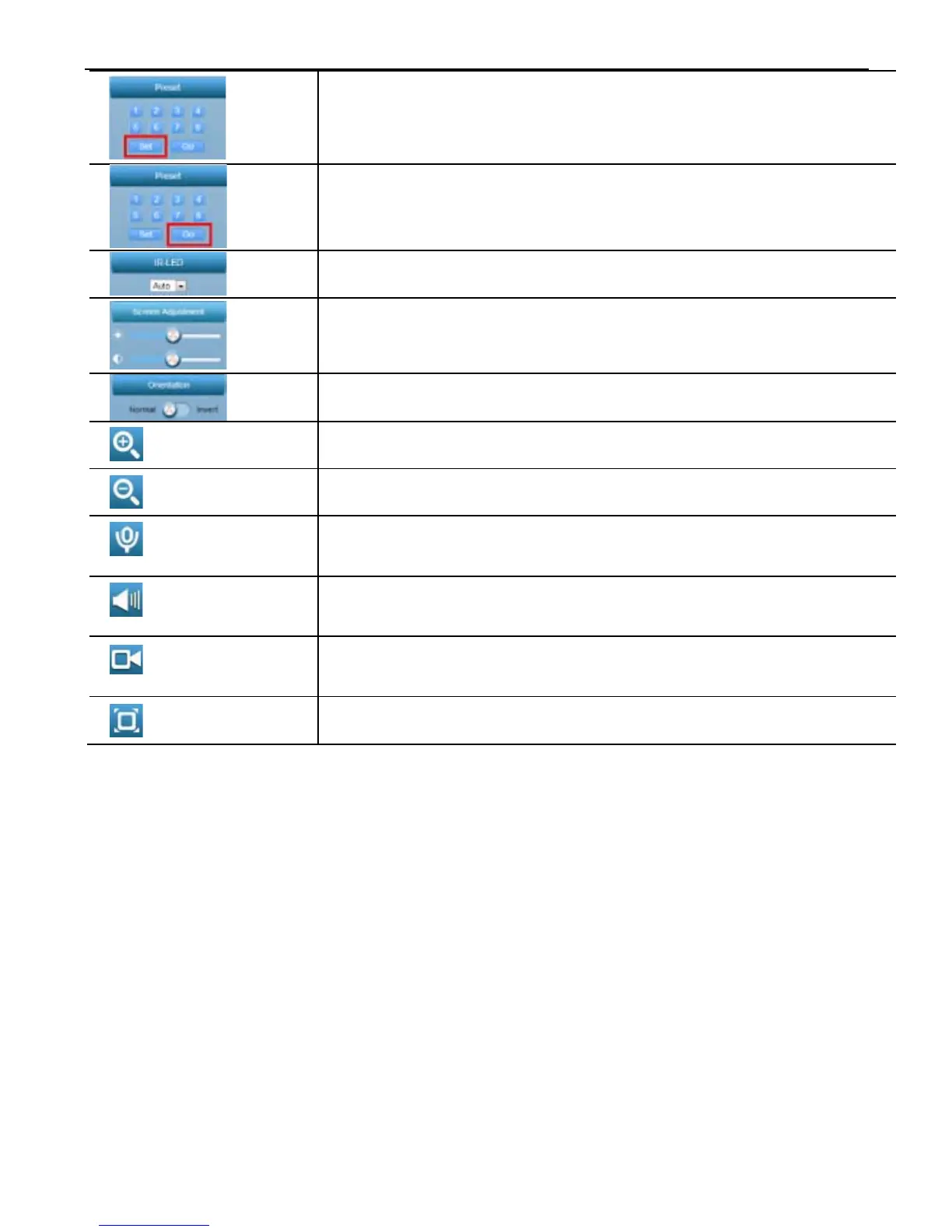
Set preset position; (only available
to Pan/Tilt
cameras)
Go to a specific preset position (only available to
Pan/Tilt cameras)
Turn on/off /IR-LED
Adjust the brightness;
Invert the video horizontally and vertically
Zoom in
Zoom out
Turn on audio reception (only available for cameras
with 2-way audio)
Turn on camera speaker
(only available for cameras with 2-way audio)
Record video to PC, you can configure the recording
path in the setup menu
Full screen
*Noti
ce:
For
in-depth explanation on how to use this web application, please
download user manual from http://www.tenvis.com/download.

Related product manuals