TENVIS Technology Co., Ltd.
34
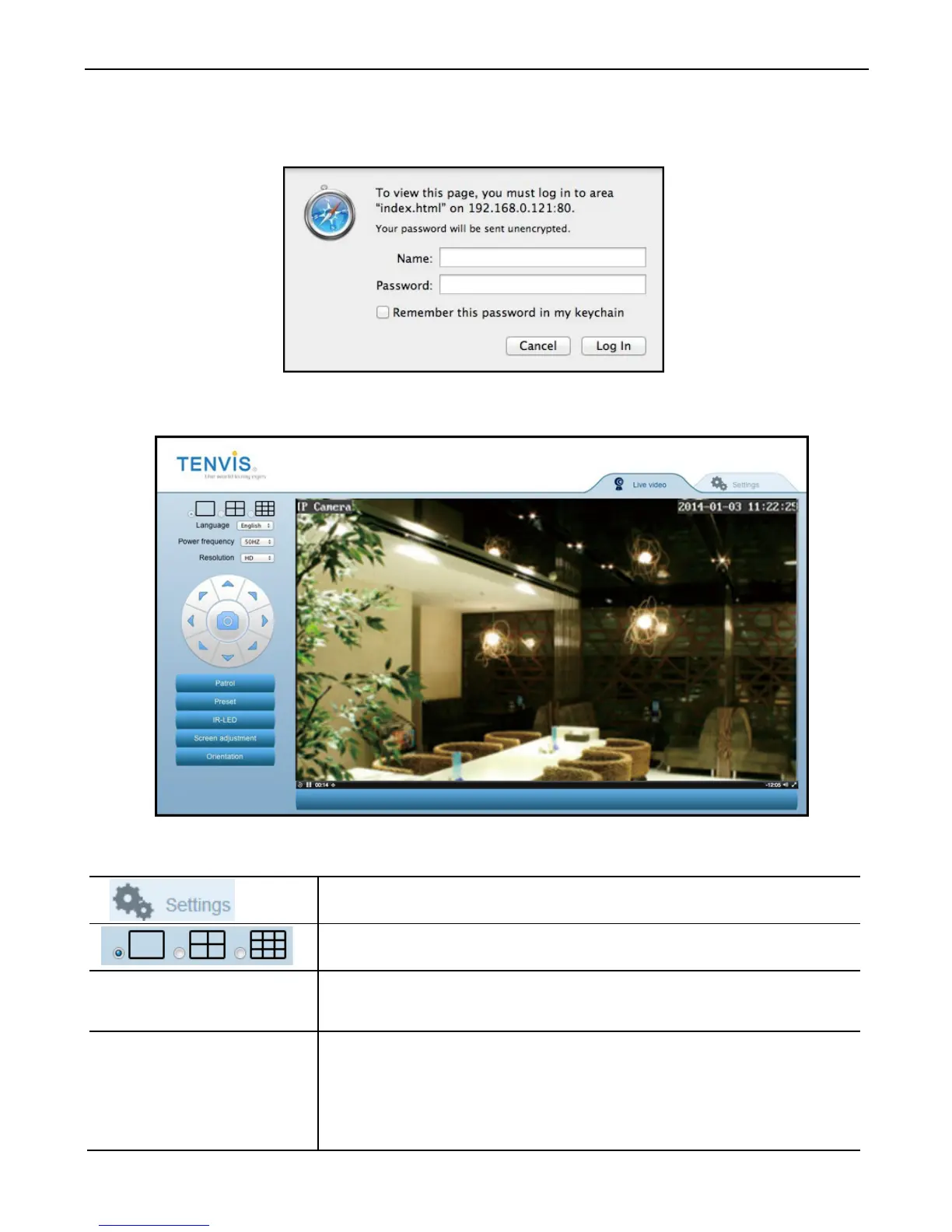
4. The default web browser will be launched to display the login window.
Log on to the camera by using camera’s username and password. By
default username is “admin” and password is “admin”.
5. After login the camera, you could get the live video.
Icons and buttons on live video page:
Click this button to go to Camera Setup
Multi-frames is not supported in Apple PC.
Power frequency
Adjust power frequency to stabilize camera video



 To Next Page