DISPLAY SETTINGS
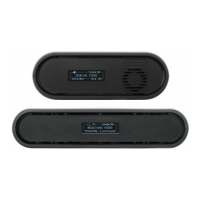
Use the Display Settings to control the OLED display operation. By default, the
OLED display will invert every 10 minutes. You can set the display to invert every 30
minutes (lengthens the display life), or it can dim or turn o after either 10 minutes or
10 seconds.
RESET ALL SETTINGS
Reset all configurable options to their factory defaults.
BLUETOOTH SETTINGS
Use the Bluetooth menu to enable or disable Bluetooth communication.
DEVICE INFO
Displays the model and serial number.
FIRMWARE VERSIONS
Displays the device's current firmware versions.
● Enable Bluetooth - Allows the transmitter and
receiver to be paired and
communicate with the
Bolt App
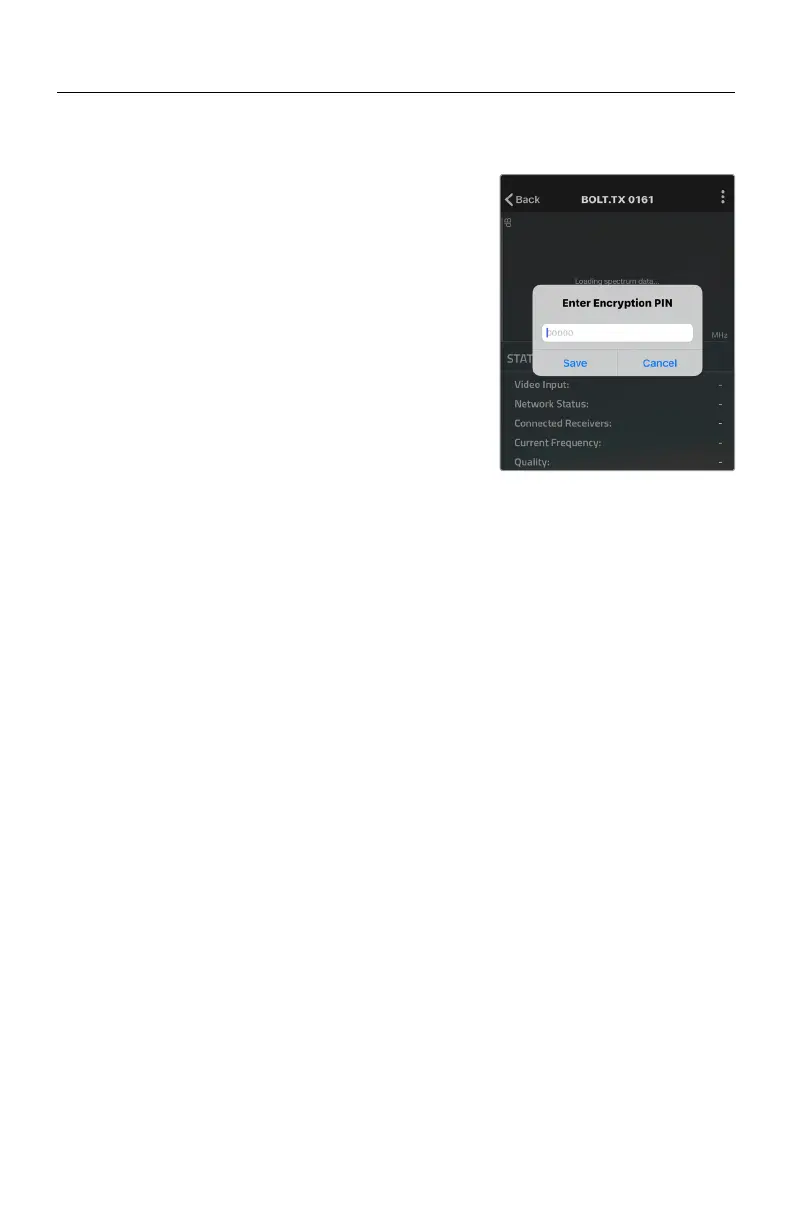
● Use Bluetooth PIN - Enables the use of a PIN for
authentication when using
the Bolt App (see image)
● Change PIN - Press the Menu joystick
towards the right to change
the Bluetooth PIN
NOTE: Bluetooth is disabled by default. In order to
configure your Bolt 4K devices via the Bolt App, you
must first enable Bluetooth.
● Invert every 30 min
● Dim every 10 min
● Dim after 10 sec
● Dim after 10 min
● O after 10 sec
● No BurnIn Prevention
14



 To Next Page