Page 19/62
Rev. A
2017-12-04
SCANTER 1002 Radar System
User’s Manual
1255194-HO
3.8 Controlling and using the radar
3.8.1 Remote control
The radar can be controlled and monitored remotely in the following ways:
3.8.2 Profiles
Profiles are predefined parameter sets used to set optimal transceiver performance
according to varying weather conditions or specific operational demands. Thus, the
16 available profiles allow the operator to adjust the radar system transmission
mode and/or receiver processing in a fast and reliable way.
The profiles eliminate the risk of maladjustment of the radar and reduce the oper-
ator need to acquire detailed knowledge about radar characteristics and meaning
as such.
At any time, the operator may set a specific radar parameter, e.g. pulse width, to
override the definition of the profile.
The profiles are selectable via the Service Display (Radar Service Tool) or per
remote IP network.
3.8.3 Built-in Test Equipment (BITE)
Continuous status monitoring of a significant number of parameters/signals on
each module is performed in real time by the housekeeping system. The status of
the parameters/signals is internally assessed to initiate appropriate actions auto-
matically to maintain operation to the extent possible if an error is detected.
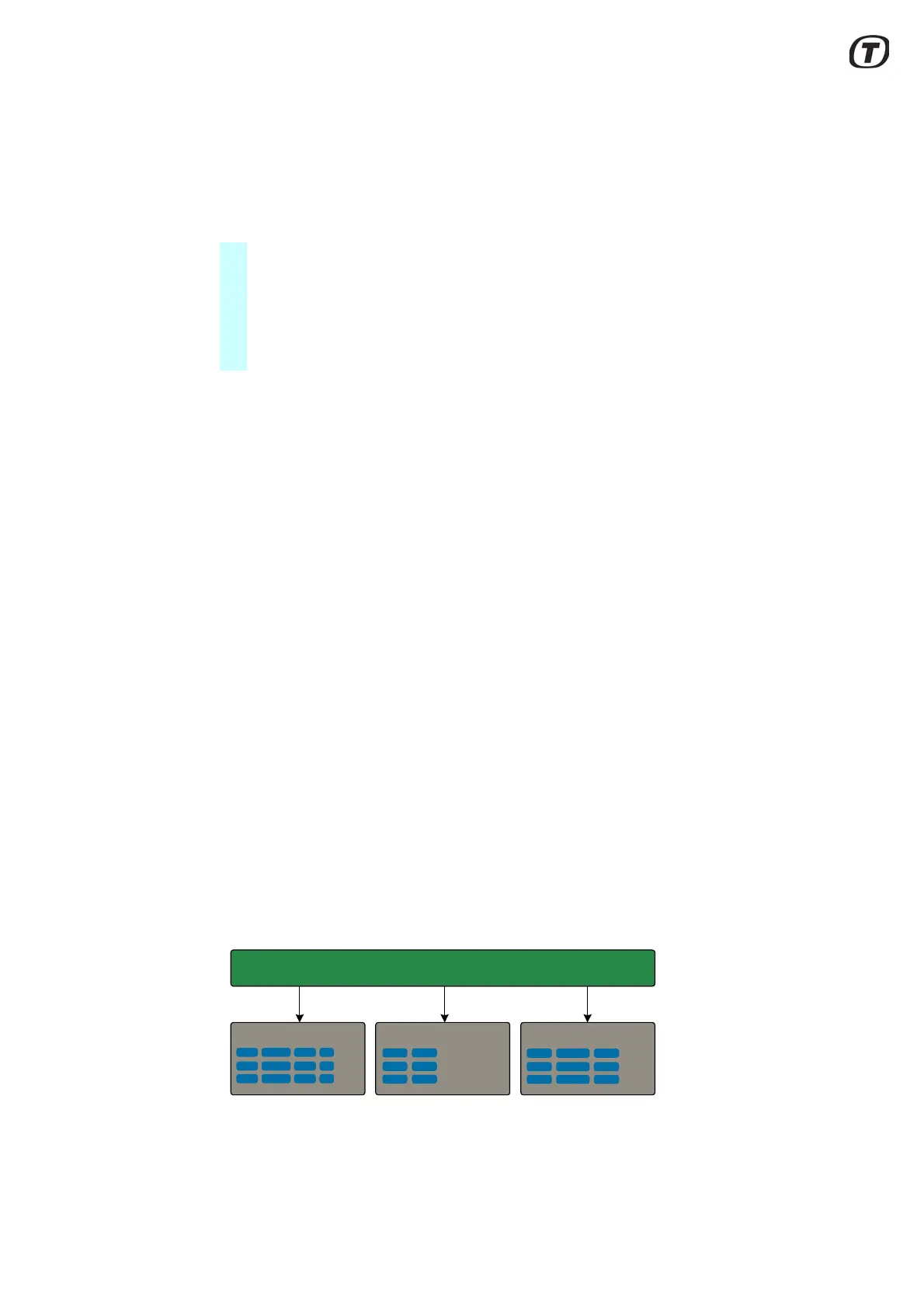
The BITE reporting, see Fig. 3.4 (p. 19), clearly describes the actual event or error
and relates it to a specific module, i.e. no need for translation of code numbers. The
details of these reports will allow identification to the level of the Line Replaceable
Unit (LRU) at fault.
Fig. 3.4 Built-In Test Equipment (BITE)
At power up, the following diagnostic tests are performed:
• In the Radar Service Tool application, a software package connects to the
transceiver via an IP network connection. From the software package all
parameters, settings, BITE measurements and errors can be accessed.
• Via an open IP network protocol, all parameters, settings, BITE measure-
ments and errors can be accessed.
BITE MeasurementsBITE StatusBITE Errors & Warnings
Built In Test Equipment (BITE)



 To Next Page