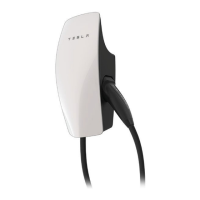
Step 6: Attach Wall Connector to Wirebox
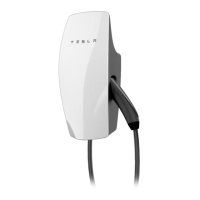
1. Attach the main unit to the wirebox by pushing it inward.
2. Secure the main unit to the wirebox with the four included fasteners and the included 4 mm hex bit
using a bit driver, applying pressure to the faceplate during the process to compress the internal seal.
Firmly hand-tighten the four fasteners until they are secure.
NOTE: Do not use a power drill for this step.
INSTALLATION
26Gen 3 Wall Connector Manual


 To Next Page