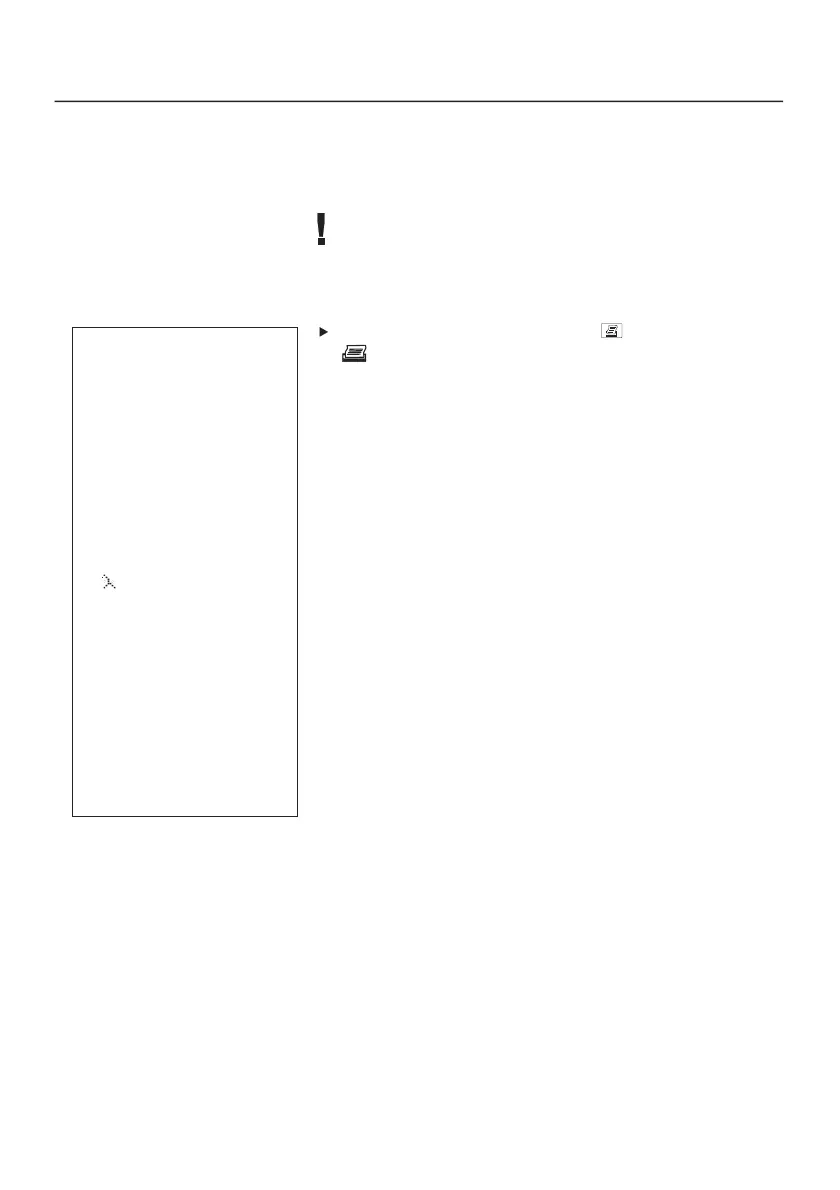
-----------------------
t325XL
-----------------------
30.06.2002 10:05:38
NAT GAS
FT 130.6 °C
O2 4,5 %
AT 26.6 °C
AmCO 150 ppm
dP 1 -0.50 hPa
CO2 12.1 %
1.27
CO 101 ppm
HCT: ______
SmoN: ______
-----------------------
# 00000000
-----------------------
20
7. Measuring
7.6 Printing readings taken
You will need the Testo printer 0554 0545 to print the
readings in the analyser. Follow the instructions in the printer
manual.
You will have to be in the measurement menu before you can
start printing and the pump must be switched off.
Start printing procedure by pressing .
- lights up and the following data is printed:
➀ Header: Device name
➁ Date / Time
➂ Selected fuel
➃ Parameters with corresponding reading and unit: the
printout is completed according to the display sequence
set in the instrument (See: 6.2 Setting display sequence,
P. 15), parameters which occur twice are only printed
once.
AmCO = ambient CO, COmx = CO*
➄ HCT: / SmoN: Heat carrier temperature or smoke number
can be entered by hand
➅ Serial number of instrument
➂
➃
➁
➅
➄
➀



 To Next Page