6 Using the product
49
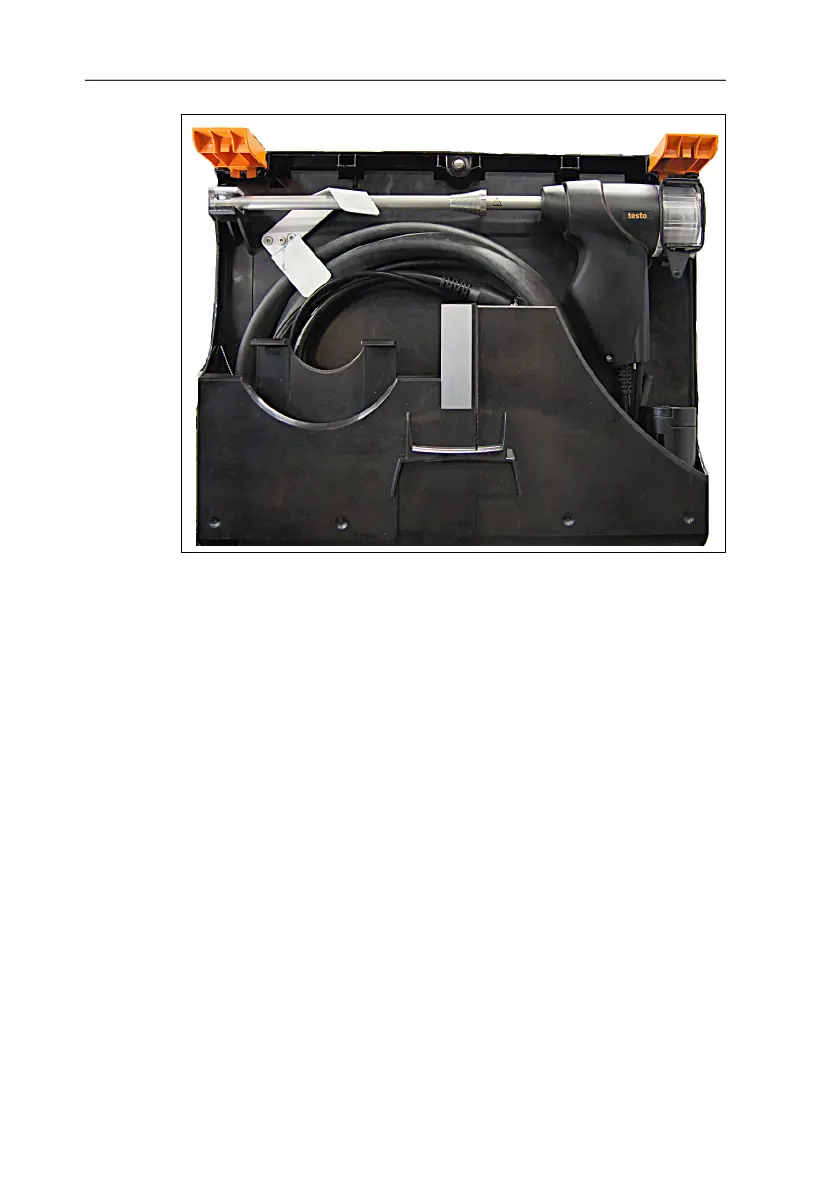
8. Lock the transport securing device.
9. Release the preheating section from the particulate matter
sensor by turning it (anti-clockwise) and remove.
10. If necessary remove the testo 330, release the securing clip,
then close the transport case.
6.5. Transferring data
6.5.1. Record printer
In order to be able to transfer data to a testo record printer via the
infrared or Bluetooth interface (optional), the printer used must be
enabled, see testo 330 instruction manual.
6.5.2. PC/pocket PC
Data can be transferred to a PC via USB, IrDA or Bluetooth
®
.
You must also refer to the documentation that comes with the
software.



 To Next Page