7 Maintaining the product
71
testo 330-2 LL/F (0632 3305)
> [] → Measurement options → [OK] → Particle → [OK] →
Nozzle data → [OK].
Select nozzle:
> Select the line: [▲], [▼]
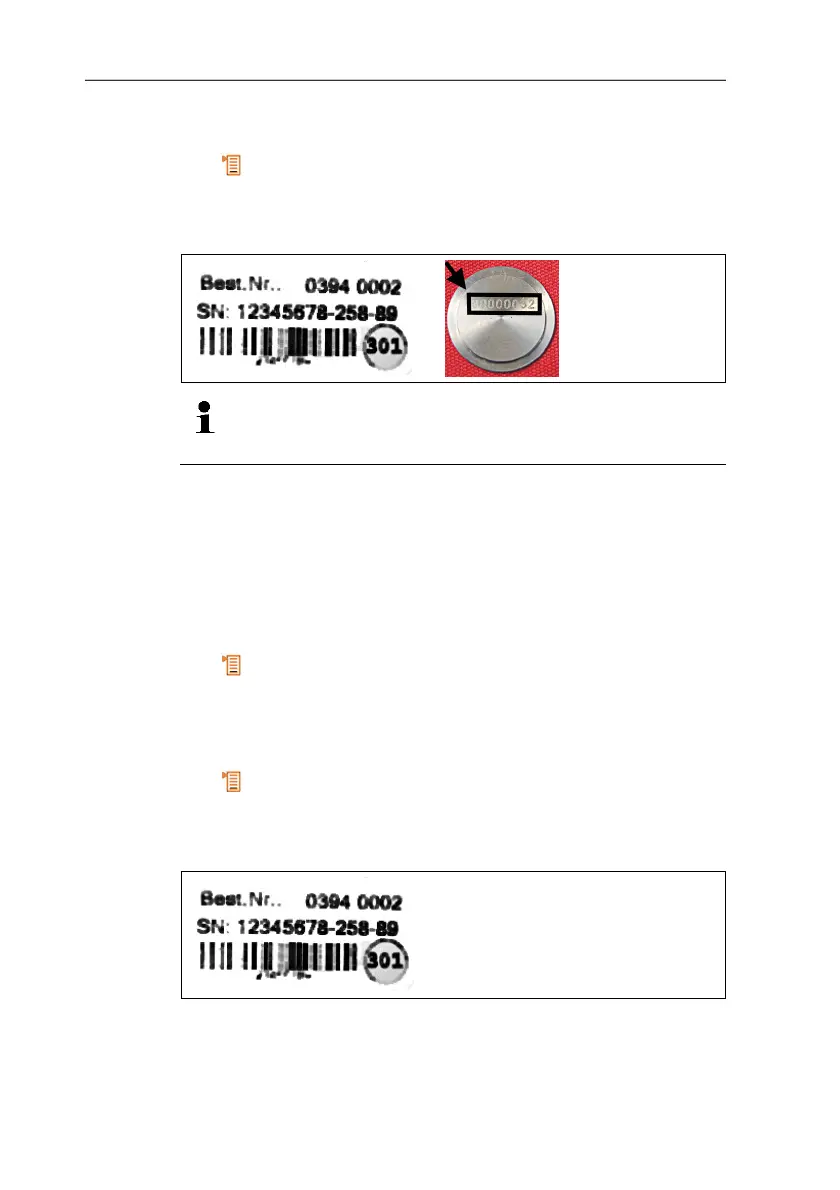
The 8 numbers on the nozzle or the first 8 numbers on the
package leaflet are of assistance when selecting the
nozzle.
> Save selection: [OK]
- The selected nozzle is activated.
7.11.2. Using a new nozzle
Enter the calibration data for the new nozzle.
testo 330-2 LL V2010 (0632 3307)
Call up function:
> [] → Measurement options → [OK] → Particle → [OK] →
[Options] → Edit cone data → [OK].
testo 330-2 LL/F (0632 3305)
Call up function:
> [] → Measurement options → [OK] → Particle → [OK] →
Nozzle data → [OK].
Enter the nozzle data:
> Select the line: [▲], [▼] → [Edit].
> When commissioning a new nozzle, enter the 13-digit code on
the package leaflet.



 To Next Page