9 • Concept C
Connecting
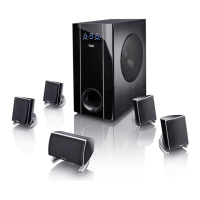
Connecting components
1. Unplug all devices to be connected to the
subwoofer in order to prevent them from
accidentially turning on.
2. Connect the Concept C to the components as
shown in the following examples.
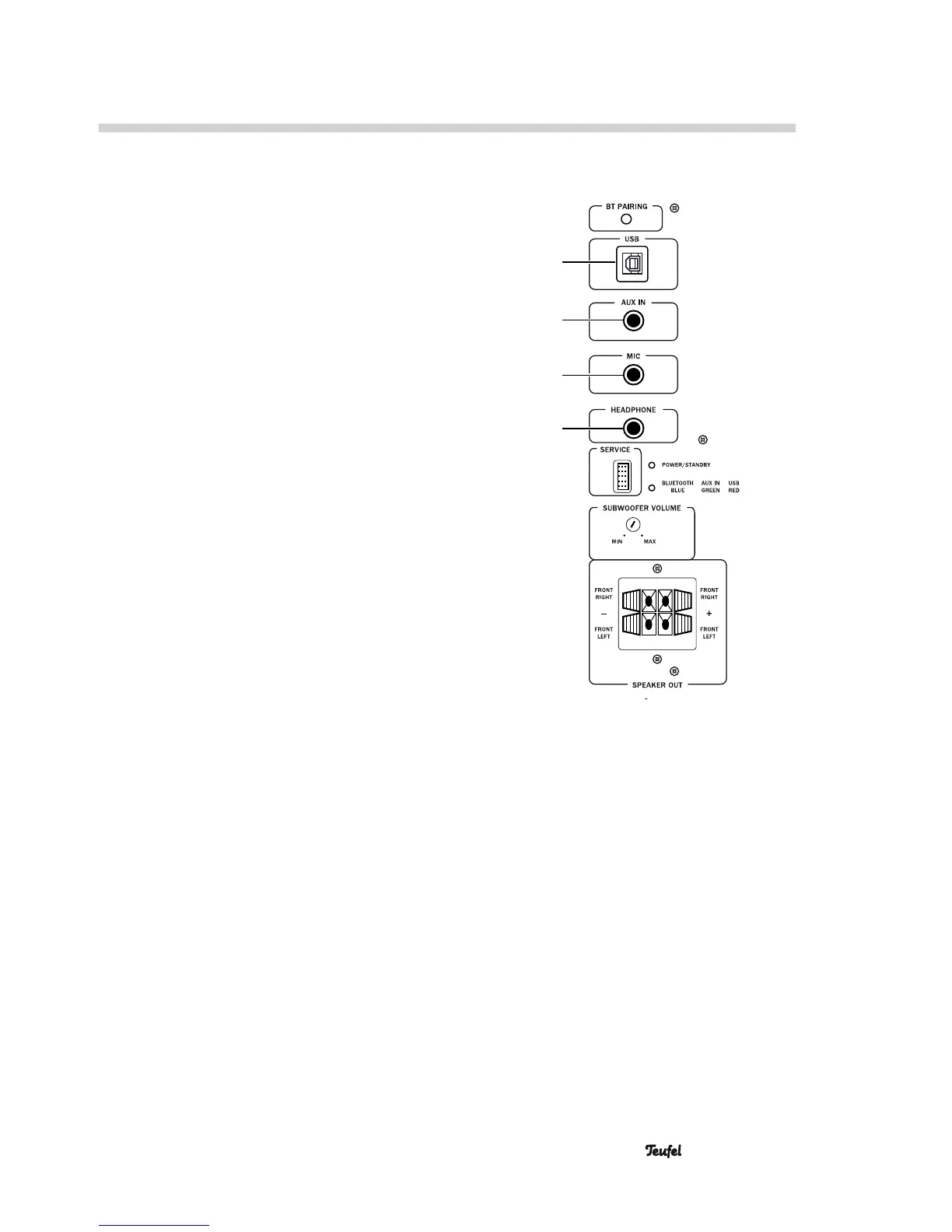
• PC:
– Connection to USB (5) using a USB cable.
Set audio output on the PC to the USB sound
device or similar.
• MP3-Player:
– Connection to AUX IN (6) using an RCA cable
with a 3.5 mm jack.
• Microphone:
– Connect a microphone to MIC(7) using a 3.5
mm jack.
You can find suitable cables in our web shop.
You can also connect a smartphone or tablet to the
Concept C (see “Bluetooth pairing” on page 13).
Connecting headphones
You can connect any standard headphones with a 3.5
mm jack to the HEAD PHONE(8) jack. The subwoofer
and satellite speakers are automatically muted when
headphones are connected.
Connecting a microphone
The signal of a microphone connected to the MIC(7)
jack is passed via USB to the PC sound card and can
then be processed further. The MIC(7) jack is not
suitable for karaoke or similar applications. In the
Bluetooth mode, the MIC(7) jack has no function.
5
6
7
8



 To Next Page