The printer can be installed on Windows releases other than Windows 8 or Windows 10 without any special
steps.
Insert the product CD into CD/DVD drive of your computer.
Turn the printer on and connect it to your computer with a USB cable.
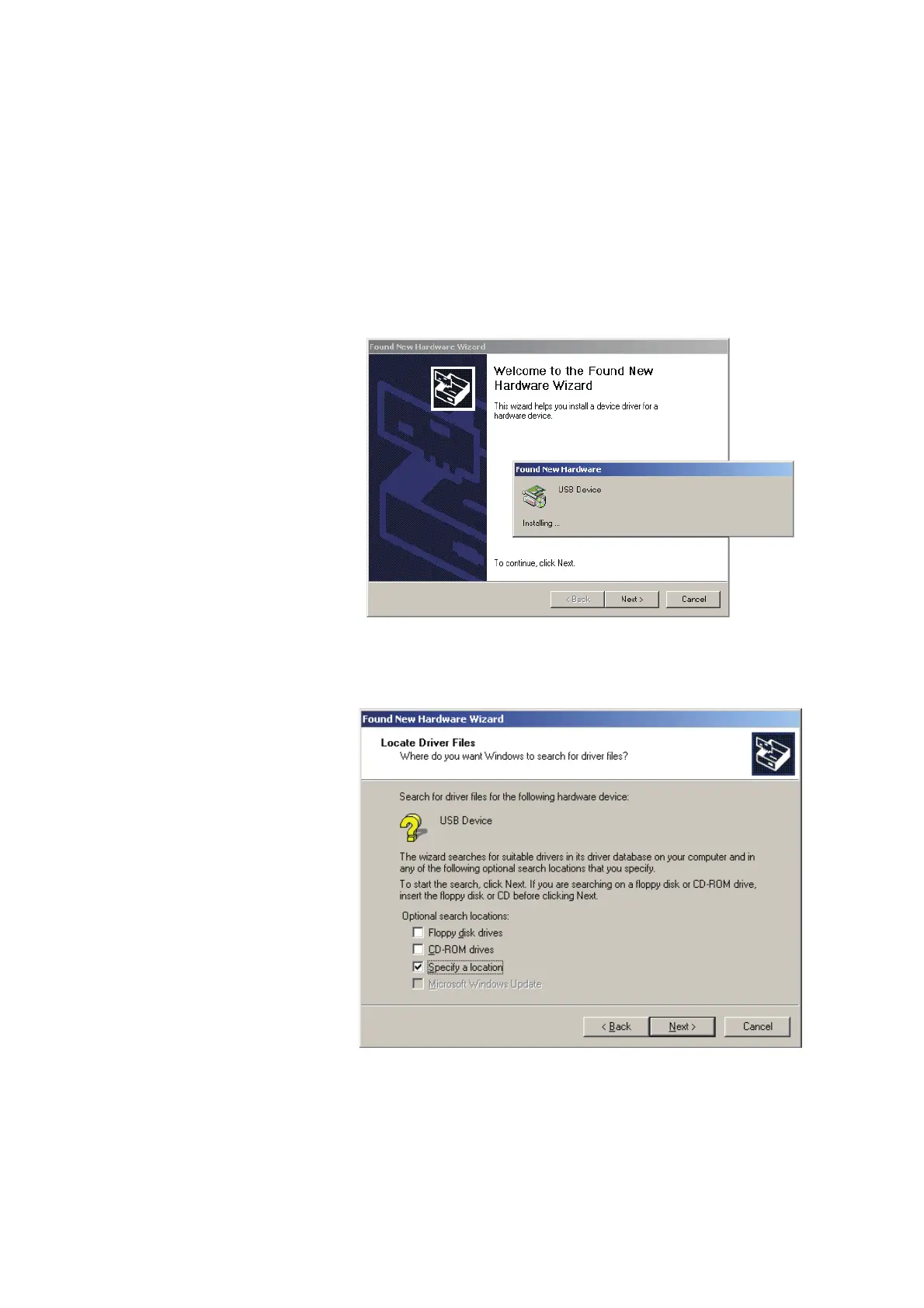
The “Found New Hardware Wizard” should take over and install the drivers.
At some point you will be able to specify a location of the drivers.
Simply point the Wizard to the thr.inf file in the Windows Driver folder on the product CD.



 To Next Page