4 NetSetting for Ethernet
4.2 NetSetting Interface
Doubleclick on the NetSetting icon to start the program.
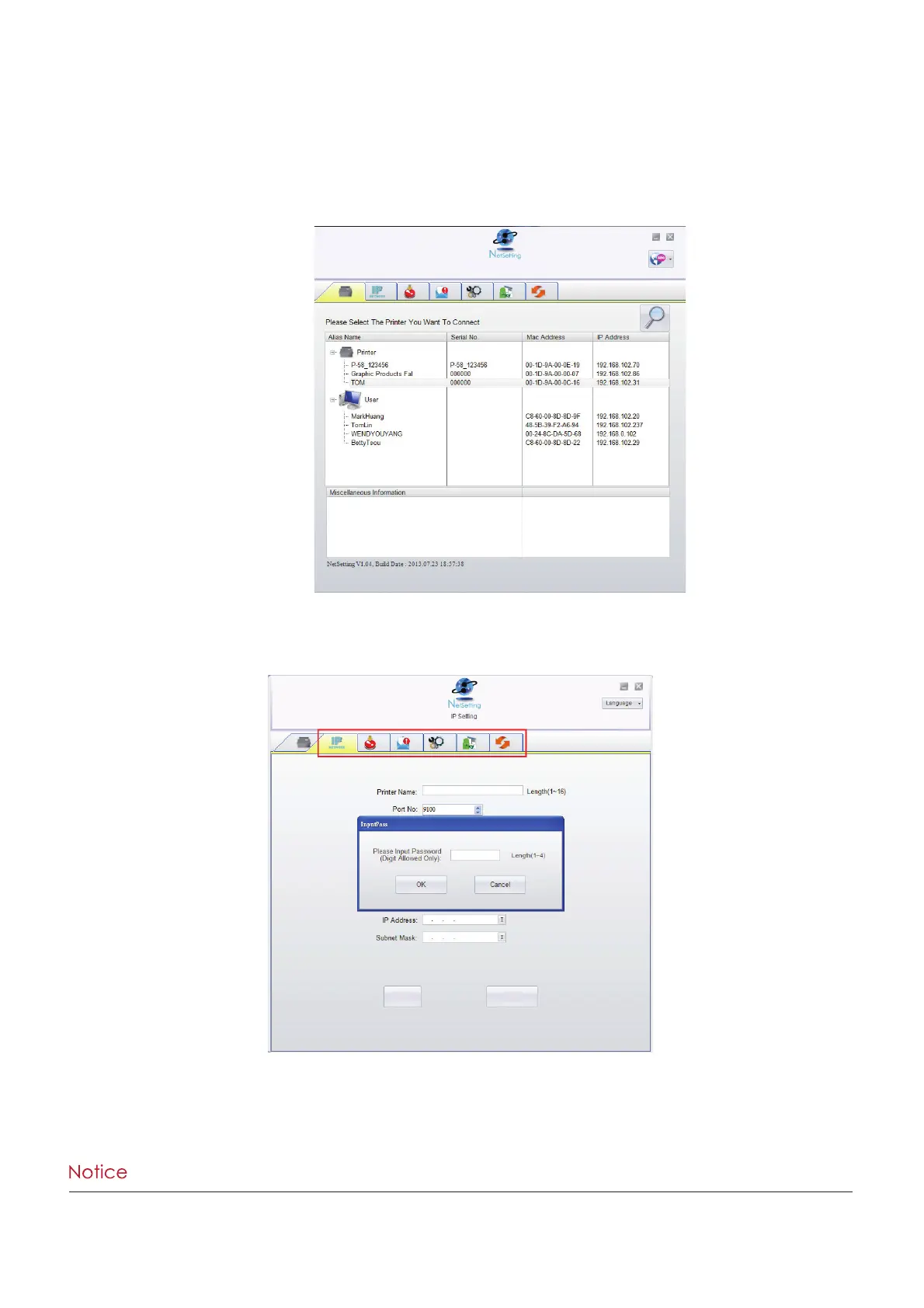
You will see the start page below. The start page will display the basic information of any connected printer and your PC.
There are six tabs on the top of interface which are used to access different network configuration settings.
You will need to enter a password to enter the configuration pages.
Click on the magnifying glass icon to search your network for Tharo Ethernet printers.
Any printers that are detected are listed on the start page.



 To Next Page