WARNING ICON
ERROR DESCRIPTION
ERROR ICON
LOCKED/UNLOCKED Icon Definition
Check Ribbon
20
Status of LCD Interface
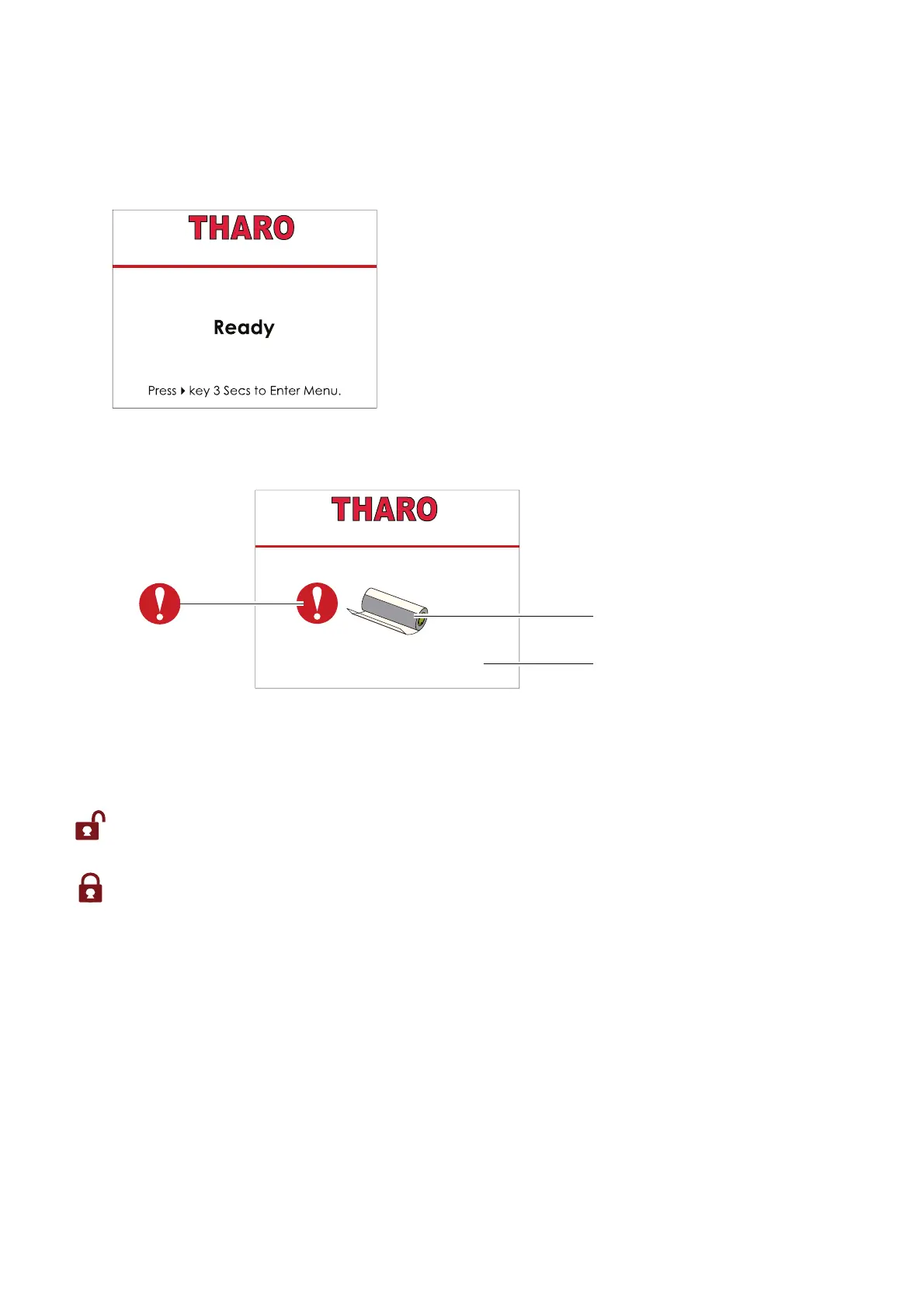
When printer is on standby (ready to print), the LCD will display “Ready” on screen.
You can only print when you see the “Ready“ status.
The LCD screen will display error messages on the screen when they occur.
See section 3.5 for the list of errors, causes and solutions.
If the printer setting is UNLOCKED, the printer will process any commands
to change that setting. Press the RIGHT key to LOCK the value.
If the printer setting is LOCKED, the printer will ignore any commands
to change that setting. Press the RIGHT key to UNLOCK the value.
3 Printer Settings and Control
H-427+ V1.R91
H-427+ V1.R91



 To Next Page