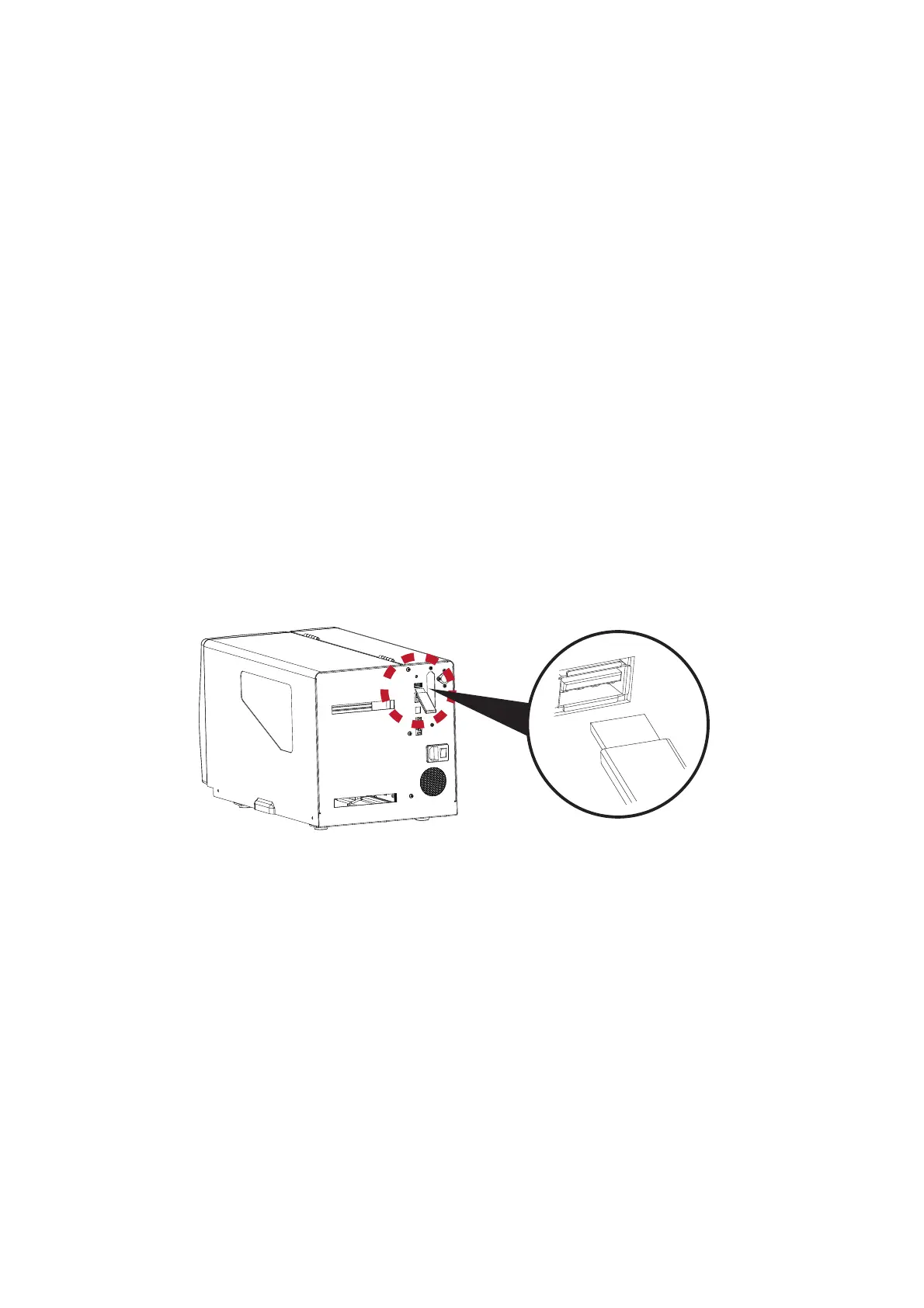
3.6 USB Host and Standalone Mode
28
USB Host Uses
The USB Host port supports the use of a USB memory stick, keyboard or scanner.
=
A USB memory stick can be used to extend the user accessible storage memory up to 32GB
The printer’s Firmware also can be updated using a USB memory stick.
=
Connect a USB keyboard to printer for Keyboard Mode/Standalone operation.
=
Plug-in an USB scanner to operate the printer in Keyboard Mode/Standalone.
Using Extended Memory
=
The printer will create a Folder called “\LABELDIR” and switch “User Flash” to “Extended Memory” automatically when
the user plugs a USB memory stick into the printer.
=
Connect the printer to a PC with the USB Stick plugged in and use EASYLABEL (Silver or higher) software to
download Graphics, Fonts, Label Formats and Database files to the printer.
Updating Firmware
=
Remove the USB memory stick from printer and plug-in it to a PC’s USB port. Delete any existing firmware (*.bin) file from
\LABELDIR\FW. If there is no FW folder in the LABELDIR directory, create one.
=
Copy the new firmware (xxxx.bin) into the Folder \LABELDIR\FW. Then remove the USB Memory Stick from the PC and
plug it back into the printer.
=
The printer will automatically update the firmware when the firmware on the USB stick is newer than the firmware loaded
in the printer.
=
Do Not remove the USB memory stick until the firmware is finished updating and you see ‘Ready’ on the LCD.
3 Printer Settings and Control



 To Next Page